Overture PLA Review
Generally less than premium Prusament PLA
Our verdict
I’d choose standard Overture PLA for organizers, display models and fit-check prototypes when its lower cost matters. Start with one spool and a small calibration print; I would avoid it for hot locations or parts that bend repeatedly.
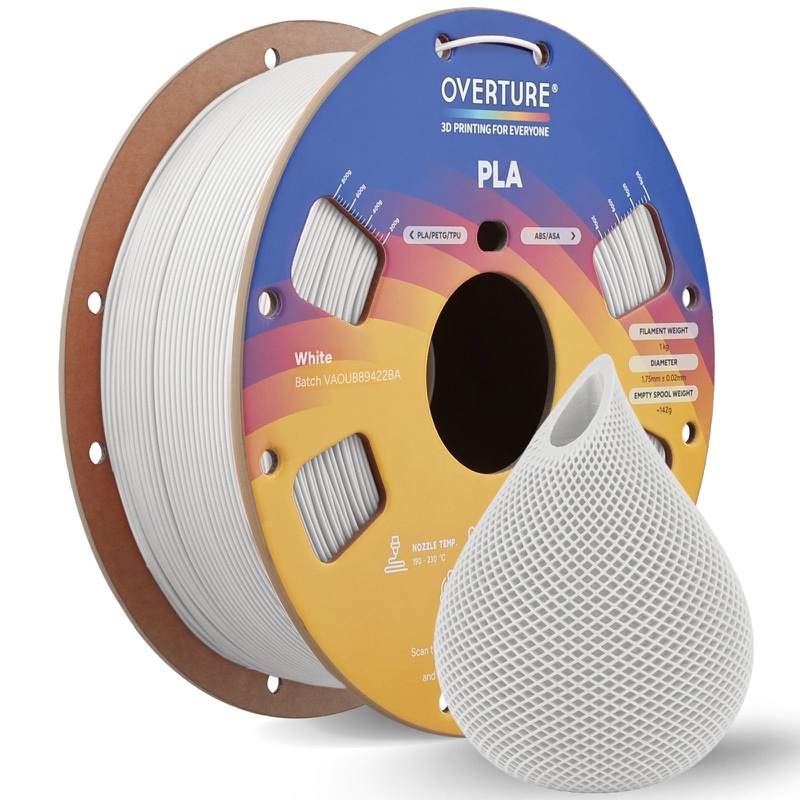
Best atEveryday organizers, display models and prototypes when you can allow for a short settings check.
Less suited toParts exposed to heat or repeated flexing, and buyers expecting every color to use identical settings.
The Key Specs
| Reviewed material | Regular PLA / PLA Basic · 1 kg · 1.75 mmChoose a printer that accepts 1.75 mm PLA; Pro, Super PLA+, Matte, AIR and Turbo are separate grades. |
|---|---|
| Surface finish | Slightly matte, according to OvertureExpect conventional PLA rather than the deliberately flat finish of the separate Matte range. |
| Nozzle / bed | 190–220°C / 25–60°C standard-PLA guidanceTreat these as starting ranges and check a sample when changing colors. |
| Diameter tolerance | Overture claims ±0.02 mmThis describes the filament strand, not finished-part accuracy; check a small joint before a larger print. |
| Spool fit | 200 mm diameter × 65.6 mm wide · 55 mm center holeCheck the holder and feeder dimensions before buying several rolls. |
Which Spool And Color Should You Buy?
- One regular-PLA 1 kg spool
- I’d start here to check the color, settings and feeding on your printer before buying several.
- Additional colors
- Choose the colors your projects need, allowing for another calibration print when you change color.
Allow For Calibration And Filament Handling. Allow some filament for calibration prints. A temperature-controlled filament dryer is an additional purchase if moisture becomes a problem. An original Bambu AMS may also need a cardboard-spool adapter; check the guidance for your particular feeder.
Also consider: Bambu PLA Basic. For a Bambu printer with an AMS, its RFID identification loads material settings automatically. Compare the 1 kg version with a spool; refills need a reusable spool.
More Material And Handling Details
| Listing names | The regular-PLA listing now says High Speed, while its linked standard-PLA data sheet gives slower settings. Match settings to the spool label; older formulations are not confirmed equivalent. |
|---|---|
| Speed / cooling | Standard-PLA data-sheet guidance is 40–70 mm/s with the print-cooling fan on. Check a slower sample before increasing speed. |
| Drying | Overture specifies 50°C for seven hours if moisture is suspected; use a temperature-controlled filament dryer. |
| Heat limitation | Overture reports 64.2°C Vicat softening. This laboratory result is not a guaranteed working temperature; avoid hot-car mounts and nearby heat sources. |
I’d try standard Overture PLA for drawer organizers, display models and prototypes that let you check a shape or fit. Reported printing results support its ability to make clean details and usable threaded parts. It also generally costs less than premium options such as Prusament PLA.
Allow for a small test print and some settings adjustments, especially when changing colors. I’d start with one spool before buying several. If you use Bambu’s AMS automatic filament feeder, Bambu PLA Basic offers automatic material recognition. For parts exposed to heat or repeated bending, standard Overture PLA wouldn’t be my choice.
Which Overture PLA This Review Covers
Look for regular Overture PLA, also called PLA Basic in its documentation. This review covers the 1 kg spool of plastic filament, 1.75 mm thick, for printers that accept that diameter of PLA. Professional, Super PLA+, Matte, AIR and Turbo are separate products; their results don’t establish how standard PLA performs.
There’s a naming wrinkle: Overture’s US regular-PLA listing now says “High Speed,” but still links to a standard-PLA data sheet with slower settings. That doesn’t establish whether an older spool has the same formulation. Match your settings to the label on the spool you receive.
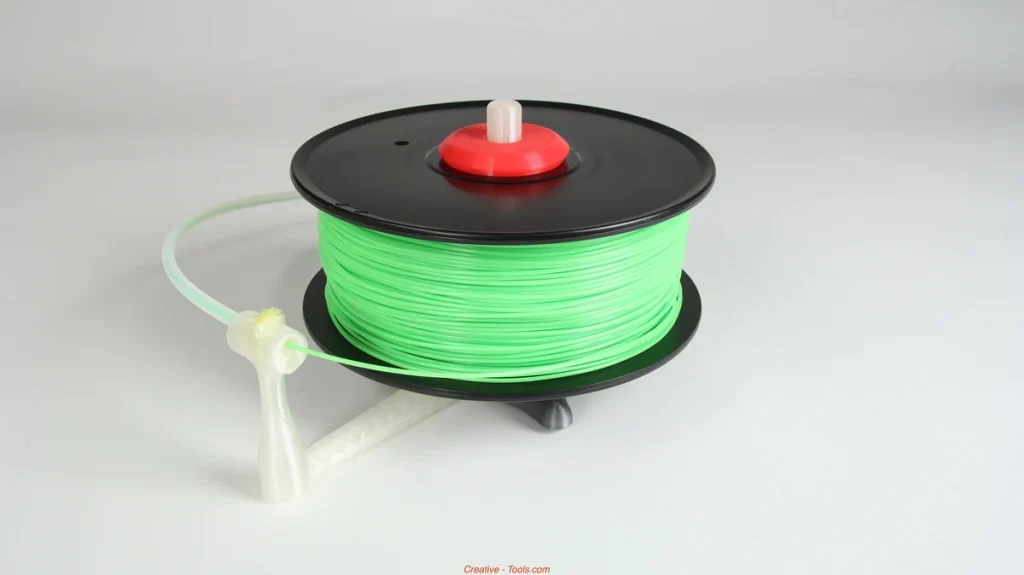
Overture lists its PLA spool as 200 mm across, 65.6 mm wide, with a 55 mm center hole. Check your holder or automatic feeder against those measurements. Filament compatibility alone doesn’t guarantee that the spool will feed properly.
How Overture PLA Handles Everyday Prints
For organizers and small containers, a reported Creality CR-M4 test using white Overture PLA is encouraging. A print bed full of desiccant containers—small holders for moisture-absorbing beads—and lids printed over a couple of days. The thin spokes had no unwanted wisps of plastic between them, known as stringing, and the threaded lids fit well.
That setup used a 0.4 mm brass nozzle, 0.2 mm layers, a 200°C nozzle, a 55°C bed, an 80 mm/s speed setting and 2 mm retraction—the distance filament pulls back between printing moves. It demonstrates fine features and working threads, though one printer and color can’t establish consistency across batches. Drying history wasn’t reported.
For display models, expect a conventional PLA finish; Overture describes it as slightly matte. Don’t buy it expecting the deliberately flat appearance of its separate Matte range. The container results are encouraging for small details, but they don’t establish how well tiny facial features will print.
For parts that must fit together, print a small section of the joint first. Overture’s claimed ±0.02 mm tolerance describes the filament’s thickness, not the accuracy of your finished part. The amount of plastic your printer pushes out also affects fit.
Heat is a clearer reason to choose something else. Overture reports a 64.2°C Vicat softening temperature, a laboratory measure of softening under load. That isn’t a guaranteed working temperature. Avoid standard PLA for a hot-car mount or a part beside a heat source.
Its limited stretch before breaking also makes repeatedly flexed clips a poor match. A successful printed bracket doesn’t tell you how much weight it can hold.
Settings And Problems To Check With Overture PLA
Overture’s standard-PLA guidance gives a 190–220°C nozzle range, a 25–60°C bed range and the print-cooling fan on. For a conventional 0.4 mm nozzle, 205°C at the nozzle and a 50–60°C heated bed are reasonable starting points, provided your build plate’s instructions agree.
A temperature tower—a small print made at several nozzle temperatures—helps you choose a setting. Compare its sections for clean surfaces, minimal stringing and layers that hold together.
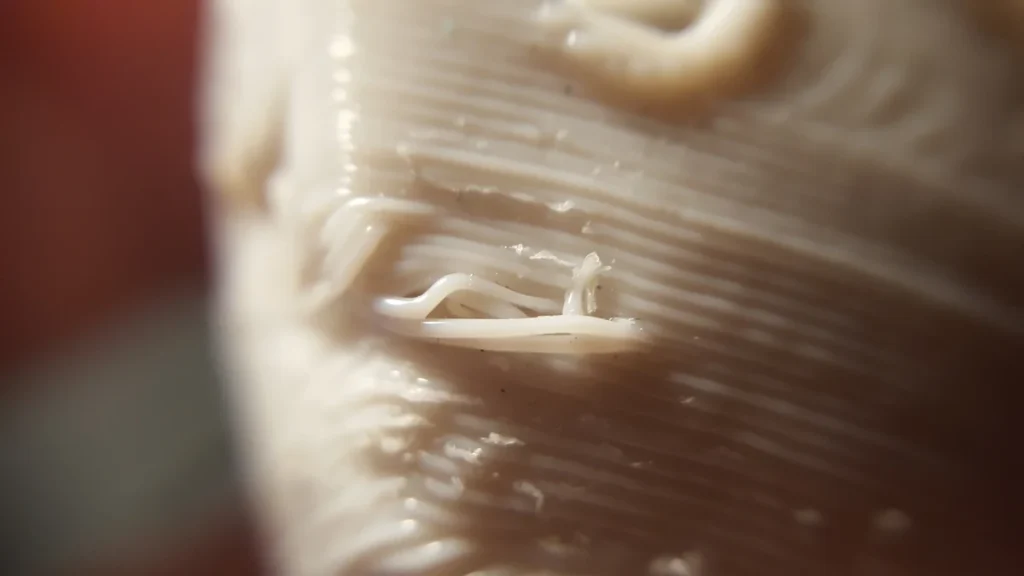
In a 2023 study using a Creality CR-10S with 0.4 mm brass nozzles, the selected Overture temperatures were 205°C for white, 215°C for black and 220°C for green. The study’s specimen prints used 0.2 mm layers at 50 mm/s. These illustrate why changing colors can need adjustment; they aren’t presets for every spool or tests of today’s High Speed listing.
Start around the data sheet’s 40–70 mm/s guidance while checking quality. The current listing advertises up to 300 mm/s, but that doesn’t guarantee clean printing at that speed. Thicker layers need more melted plastic, and your printer must keep up. Increase speed only after a slower sample looks good.
Overture provides instructions for importing settings into Bambu Studio, OrcaSlicer and ElegooSlicer, software that prepares models for printing. Use a matching PLA profile—a saved set of settings—if available; otherwise, start with your printer’s generic PLA profile and check the temperatures above.
If the first layer won’t stick, clean the build plate as its maker recommends and check the nozzle’s distance from it using your printer’s calibration instructions. Too large a gap leaves plastic poorly pressed onto the plate; too small a gap can obstruct flow. Owners report both good adhesion and failures without a confirmed cause.
Gaps or weak, thin layers can mean too little plastic is coming through. Check for restricted feeding or a partial clog. Slowing down reduces how much plastic the printer must melt each second.
For stringing, check nozzle temperature and retraction, which limits oozing between moves. Start with your printer’s recommended retraction settings rather than copying another machine’s.
Popping sounds or persistent stringing can suggest moisture, though neither proves it. Absorbed water turns to steam in the heated nozzle and can disrupt plastic flow. If moisture is suspected, Overture specifies drying at 50°C for seven hours; use a temperature-controlled filament dryer.
When Overture PLA Is Worth Choosing
For a long organizer print, the reported clean threads and thin spokes give you a useful reason to consider Overture. They don’t establish that every spool will print reliably without adjustment.
Against Prusament PLA, Overture generally offers a cheaper 1 kg spool. Prusament’s meaningful extra is access to manufacturing measurements for your individual spool, including diameter and ovality—how round the strand is.
Consider paying more if that information helps you investigate inconsistent results. It doesn’t guarantee that your printed parts will fit better, and there’s no basis here for declaring it the cleaner-printing filament.
For a Bambu printer with an AMS, consider Bambu PLA Basic in the equivalent 1 kg version with a spool. Its electronic identification tag, called RFID, lets the system recognize the material and load its settings automatically. That saves manual setup when you change materials. Bambu’s refill option needs a reusable spool, so compare equivalent packages.
Check feeding as well as settings. Overture says its newer cardboard spools have rounded edges designed for AMS use, while Bambu’s original-AMS guidance recommends an adapter for cardboard spools to reduce slipping and debris. Confirm the arrangement for your particular feeder before buying several rolls.
Buy Overture if its color and lower cost suit you, your spool holder fits, and a short calibration print is an acceptable first step. If the part must withstand heat or repeated flexing, choose a material suited to those demands before comparing brands.


