Phrozen Sonic Mini 8K S Review
Lower-cost alternative to the original Sonic Mini 8K
Our verdict
I’d choose the Mini 8K S for detailed miniatures and small sculpts if I could get compatible replacement parts and budget for washing and curing. Its narrow plate and manual setup are the main compromises; compare the Mars 5 Ultra if easier setup matters more.
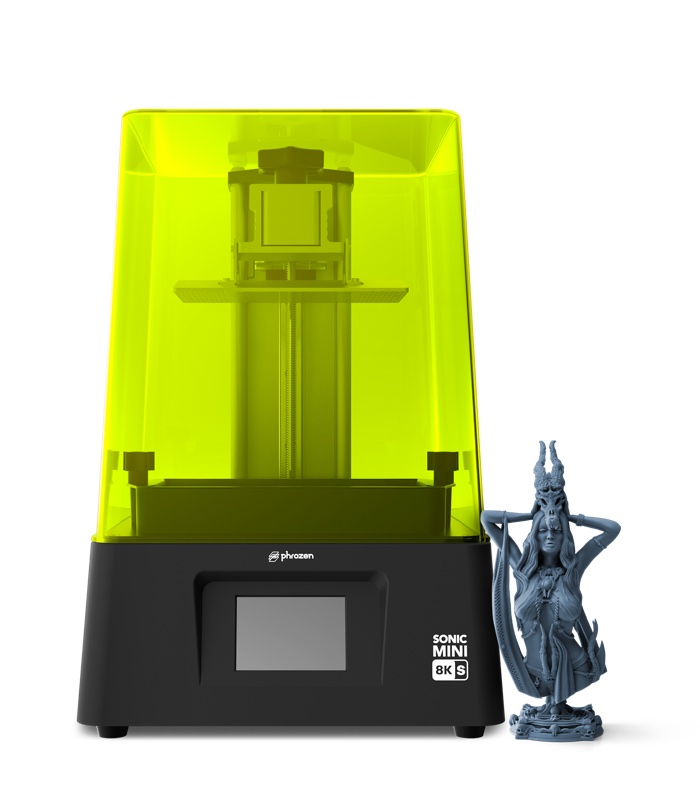
Best atDetailed individual miniatures and small display sculpts, with room to learn resin settings and finishing.
Less suited toWide models, predictable high-volume production, or homes without a suitable resin-handling workspace.
The Key Specs
| Print area | 165 × 72 × 170 mmThe narrow 72 mm depth limits broad bases and batches; include supports and rafts when checking fit. |
|---|---|
| XY pixel size | 22 micronsSupports fine shapes within each layer; it does not promise 0.022 mm dimensional accuracy. |
| Setup | Manual build-plate levelingFollow the Mini 8K S paper-and-screw calibration procedure before printing. |
| File transfer | .PRZ via USBPrepare files with the S profile and carry them to the printer on a USB drive. |
| Finishing | Wash, dry and UV-cureAllow workspace, equipment and time after the printer finishes. |
Budget beyond the printer. Allow for resin, cleaning liquid, chemical-resistant gloves, eye protection, wash containers, waste supplies, ventilation equipment and replacement release film. Supports and failed prints consume resin too. A wash-and-cure machine is optional; suitable washing and UV-curing equipment is still needed.
Also consider: Elegoo Mars 5 Ultra. Adds automatic leveling and Wi-Fi file transfer, with slightly more front-to-back space but less width and height. I’d favor its conveniences if the two cost about the same.
More Specs And Ownership Details
| Model choice | This review covers the Mini 8K S. The original Mini 8K has the same stated pixel size and plate dimensions, with 10 mm more printing height. |
|---|---|
| Slicers | Phrozen lists CHITUBOX, Lychee and VoxelDance Tango; select the Mini 8K S profile. |
| Exposure settings | Resin profiles are starting points. Run an exposure test for your resin and workspace conditions. |
| Replacement parts | Use S-compatible LCD screens and release film; an 8K label alone does not establish screen compatibility. Confirm parts availability with the seller. |
I’d consider the Phrozen Sonic Mini 8K S if you want detailed miniatures or small display sculpts and you’re willing to learn resin printing. Reported prints show fine textures, but you’ll need to adjust print settings, remove models carefully, wash them and finish hardening them under UV light. The narrow build plate—the platform your prints attach to—is the other big compromise.
I’d consider it as a cheaper option than the original Sonic Mini 8K, provided you can get the printer and compatible replacement parts from a dependable seller. This review covers the Mini 8K S, not the original Mini 8K or the much larger Sonic Mega 8K S.
How Much Detail Can The Mini 8K S Print?
One reported test produced a sharply defined castle from the supplied USB file, followed by a custom snapping-turtle monster sculpt with fine detail. Its feet printed successfully but were damaged during curing, the final UV-hardening step. That was finishing damage, not a failed print. The report doesn’t give the resin or exposure settings, so it doesn’t provide settings you can copy.
A separate test produced clear teeth and wood-grain detail on a Rocket bust using Phrozen Aqua Gray 8K resin, 0.05 mm layers and two seconds of UV exposure per normal layer. It took about seven hours and six minutes. Those conditions apply to that particular print; your model may need different settings and take longer.
Another reported test reproduced skin pores and clothing details on a troll bust at 0.02 mm layers. It used a pre-release printer; the resin wasn’t clearly identified, and some photos showed primer on the model. These examples support choosing the S for detailed sculpts, but they don’t establish a success rate across repeated batches.
The printer uses UV light to harden resin one layer at a time. Phrozen specifies 22-micron XY resolution: each screen pixel covers about 0.022 mm across the printing area. Smaller pixels allow finer shapes within each layer. Layer height is a separate setting that controls each layer’s thickness. Thinner layers can reduce visible steps on curves, but they also mean more layers to print.
Neither number promises that every hole or peg will finish within 0.022 mm of its intended size. Exposure time—how long each layer receives UV light—affects the finished size, as does resin shrinkage. If two parts must fit together, print and check a small sample before printing the whole model.
Will Your Models Fit On The Mini 8K S?
The stated build volume is 165 × 72 × 170 mm, or roughly 6.5 × 2.8 × 6.7 inches. The 72 mm front-to-back space is the limit you’re most likely to notice when arranging several figures or a broad scenic base.
To check what fits, use a slicer: software that prepares your model, adds supports and turns it into printable layers. Select the Mini 8K S profile, which supplies settings for this printer. Supports are temporary structures that hold overhanging parts during printing. Their attachment pad, often called a raft, also takes up room, so a figure’s size or base diameter alone won’t tell you whether it fits.
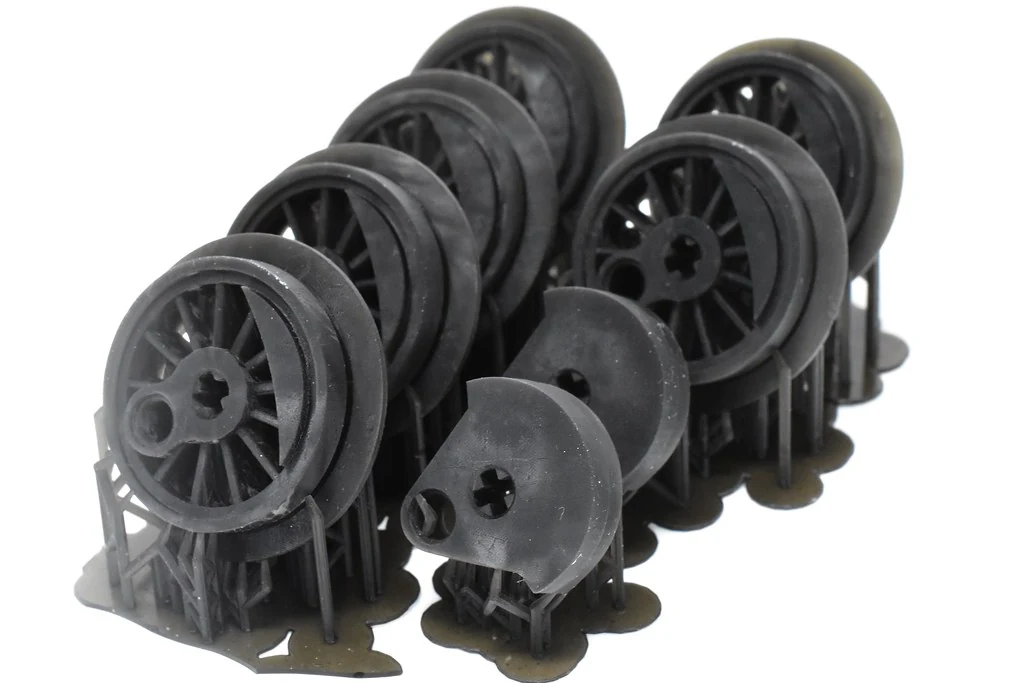
For example, suppose your figure, supports and raft take up a 40 × 40 mm rectangle on the plate. Two such rectangles need 80 mm to sit directly behind one another, more than the available 72 mm. This is a hypothetical example, not a tested batch count. Another pose, rotating the figures or smaller supports could change what fits.
Tilting a model changes how much plate space and height it needs. Raising it above the plate on supports also uses part of the 170 mm height allowance. Before buying, load a few models you actually want into the slicer and check whether they fit with their supports and rafts.
This is a reasonable size for individual miniatures and modest batches. If a wide terrain piece or large bust doesn’t fit, you’ll need to print it in smaller parts and put them together afterward, or choose a printer with more room.
What It Takes To Finish A Mini 8K S Print
Initial setup is fairly simple, but it isn’t automatic. You need to level the build plate so it starts at the correct height. Phrozen’s procedure uses a sheet of A4 paper on the screen with the resin vat—the container that holds the liquid resin—removed. It involves four plate-adjustment screws and the touchscreen’s Z calibration command. Follow the Mini 8K S instructions for the full procedure.
The Mini 8K S prints .PRZ files transferred by USB. Phrozen lists CHITUBOX, Lychee and VoxelDance Tango as compatible slicers. Use the S profile when preparing files; the original Mini 8K is a different printer.
Lychee’s current Lite edition is free and includes print preparation and export, with ads when you export a file. Plus adds paid features. CHITUBOX’s current documentation also lists this exact printer and .PRZ output. Before choosing a software plan, check whether it includes the tools you want, such as making models hollow or adjusting supports.
Phrozen publishes recommended resin settings tested at 25°C, about 77°F, and 75% relative humidity. Treat them as starting points and run the recommended test print to check exposure before printing a detailed model. A cold workspace or different resin can require adjustments; no single exposure time suits everything. Check for updates to the printer’s built-in software, called firmware, too: Phrozen released a fix for inconsistent exposure timing in early versions.
After printing, you still have to remove the model, wash away uncured resin, let it dry and finish curing it with UV light according to the resin’s instructions. Supports need removing too. Hollow models need openings that let trapped resin drain and allow thorough cleaning inside.
Plan a ventilated work area for printing, washing and curing. The yellow cover isn’t a substitute for ventilation. Wear chemical-resistant gloves suited to the resin and cleaning solvent, plus suitable eye protection; replace contaminated gloves promptly. Keep wash containers closed when possible. Aqua Gray 8K’s safety sheet warns that it can cause allergic skin reactions and serious eye damage.
Keep uncured resin and contaminated wash liquid out of drains. Follow local household hazardous-waste guidance. If you can’t provide the workspace and waste handling, postpone buying the Mini 8K S.
Mini 8K S Annoyances To Check Before Buying
Prints can be hard to remove from the textured plate. Two hands-on reports describe them sticking too firmly. One reports improvement after reducing bottom exposure, the longer UV exposure used for the first layers to help the print stick. The other doesn’t give those settings, so don’t assume every print will be difficult to remove.
If you adjust bottom exposure, make small changes: the model still needs to stay attached throughout printing. When removing a print, work on a stable surface and keep your hands out of the scraper’s path.
Cleaning the plate can also be awkward. A reported test noted resin collecting around recessed screws and drips splashing back into the vat after printing. You’ll need room beside the printer for a tray and tools, even though the printer itself is compact.
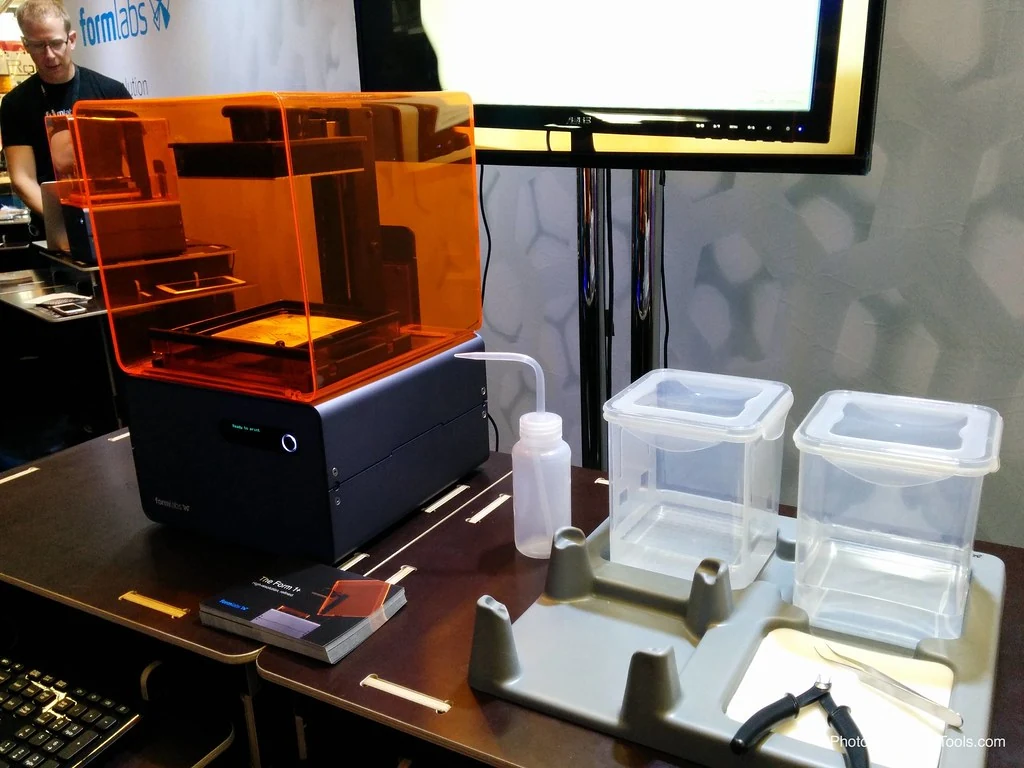
Phrozen’s setup guide describes a loud startup beep. An early test also found a loud alert around the start of printing and no obvious volume control, but didn’t identify the firmware version. Don’t count on being able to mute it. That brief beep doesn’t tell you how noisy the printer is throughout a print.
Phrozen provides replacement guides for the S and lists compatible FEP release film—the clear sheet at the bottom of the vat—and a replacement LCD screen made for this model. An 8K label alone doesn’t mean another screen will fit.
The US warranty table lists three months for the S’s LCD screen and 12 months for major hardware. Release film has no warranty. Those terms don’t tell you how quickly a repair will happen, so ask your seller how parts claims are handled.
What The Mini 8K S Costs To Own
The S is cheaper than the original Mini 8K in Phrozen’s listings. Both specify 22-micron pixels and the same plate dimensions; the original has 10 mm more printing height. Paying more for the original doesn’t buy a finer pixel size.
Check availability before committing. Phrozen still lists the printer and its parts, but its US listings carry unavailable or backorder wording. Don’t assume either is ready to ship. Get a shipping estimate and confirm that you can order an S-compatible screen before paying, especially if waiting for repairs would disrupt your plans.
You’ll also need to budget for resin, cleaning liquid, gloves, eye protection, containers, waste supplies and eventual replacement film. Supports and failed prints use resin too. A wash-and-cure machine is optional, but you’ll still need washing equipment and a way to cure your resin properly. Include any ventilation equipment your space needs.
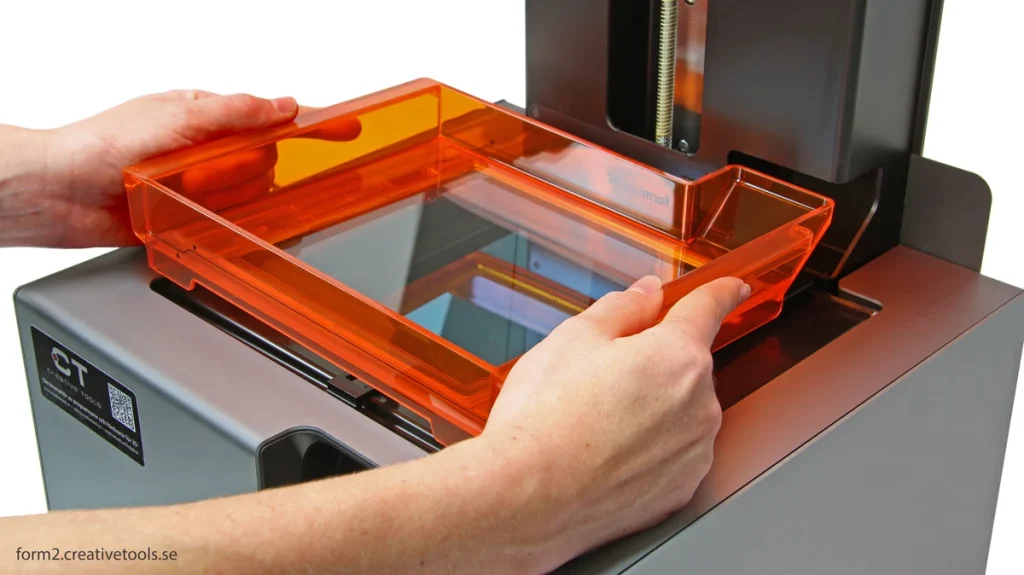
The closest useful alternative is the Elegoo Mars 5 Ultra, which adds automatic leveling and Wi-Fi file transfer. Its 153.36 × 77.76 × 165 mm build volume gives you slightly more space from front to back, but less side to side and in height. You gain conveniences without much change in overall printing space. If it costs about the same from your seller, the Mini becomes harder to justify.
Don’t use Phrozen’s advertised maximum of 80 mm/hour to plan how many models you can finish in a day. Layer height, exposure and plate movement all affect how long your print takes.
Should You Buy The Mini 8K S?
I’d buy the Mini 8K S for small, detailed models if I could also afford the finishing equipment and get compatible parts from the seller. Its reported results give miniature painters a good reason to consider it without needing a higher screen-resolution label.
Pass if your models routinely crowd the narrow plate, you need predictable high-volume output, or you don’t have a suitable place to handle resin. For a first resin printer, compare the Mars 5 Ultra’s automatic leveling and Wi-Fi against the Mini’s actual asking price. Those conveniences may matter more to you than a small difference in printable length.


