UniFormation GK3 Review
Generally more than the Saturn 4 Ultra 16K; GK3-T costs less than GK3-B.
Our verdict
I’d choose the GK3-T for regular miniature printing if its removable plate, sideways drainage and accessible replacement screen would make upkeep easier. The cheaper T version is my hobby pick; the evidence does not justify paying more for the B version’s screw mechanism. Allow time for resin calibration and software setup.

Best atRegular miniature printing where easier resin handling and repair access matter.
Less suited toOccasional printing or buyers who need dependable app monitoring and confirmed rapid repair support.
The Key Specs
| Build volume | 211 × 118 × 240 mmCheck the space occupied by angled models and supports before planning a batch. |
|---|---|
| Screen detail | 9.6-inch LCD; 14 × 19 µm pixelsFine pixels do not guarantee accurate joints; calibrate the resin and check connecting parts after curing. |
| Plate handling | Removable latched plate and sideways drainage holderLet excess resin drain over the vat before moving the plate to cleanup. |
| Heating | 25°C or 30°C settingsPrinting waits for the selected sensor reading; the heater does not hold a constant temperature or cool hot resin. |
| Resin refill | Automatic feeding can be switched offMost useful when sticking with one resin; switching it off also disables resin-level detection. |
| Screen replacement | Model-specific modular LCDAccessible replacement is a useful repair convenience, without a proven lifespan or lifetime-cost advantage. |
Which Version Should You Buy?
- GK3-T
- My choice for hobby use: the less expensive standard GK3 with a conventional lead screw.
- GK3-B
- Choose only if you specifically want the ball screw; sharper prints or longer service have not been established by comparative testing.
- Printer-only or wash-and-cure package
- Choose around the cleanup equipment you already own, and check the seller’s exact contents list.
Budget beyond the printer. Allow for compatible resin, washing solvent and containers, UV curing equipment, suitable gloves and eye protection, a catch surface and ventilation. Release film and the LCD are replacement costs. A spare covered vat may help when switching materials, but the plate and feeding path still need attention.
Also consider: Elegoo Saturn 4 Ultra 16K. Generally costs less and adds automatic leveling and a heated tilting vat. I’d favor it when upfront cost and automatic setup matter most.
More Specs And Ownership Details
| Resin compatibility | Standard GK3: 405 nm. The GK3 Pro uses 385 nm; do not transfer its material assumptions to this printer. |
|---|---|
| Setup | Factory-aligned plate; perform the GK3 leveling check and calibrate exposure for the resin. |
| File transfers | USB, Wi-Fi and Ethernet; network features vary by slicer. |
| Slicers | UniFormation Slicer, CHITUBOX and Lychee; select the exact GK3 profile. |
| Bench space | 392 × 332 × 520 mm closed; allow extra lid clearance and space for washing and curing. |
| Release film | GK3/GK3 Pro nFEP film is listed. Check the fitted vat: the separate upgrade kit calls for pre-punched film. |
| Replacement parts | Buy the standard GK3 LCD, not the separately listed Pro or Ultra screen; confirm availability when needed. |
I’d consider the UniFormation GK3 if you print miniatures regularly and value easier resin handling and access for repairs. Reported prints show convincing detail, while the removable build plate, drainage holder and accessible replacement screen give you practical reasons to choose it. The compromise is software that needs more care than the hardware’s convenient design might suggest.
I’d lean toward the cheaper GK3-T for hobby use. The GK3-B’s different lifting mechanism doesn’t come with enough comparative evidence to justify paying more for sharper prints or longer service. If straightforward setup matters more than repair access, the Elegoo Saturn 4 Ultra 16K deserves a close look.
Check Which GK3 You’re Buying
UniFormation’s store lists the regular GK3 with T-screw and B-screw options and a USA region selection. These are two versions of the standard printer. The screw moves the arm that raises and lowers the build plate, the surface your prints attach to: the T uses a conventional threaded lead screw; the B uses a ball screw.
Both have a maximum print space of 211 × 118 × 240 mm, roughly 8.3 × 4.6 × 9.4 inches.
Their 9.6-inch LCD has 15,120 × 6,230 pixels. That’s the screen beneath the liquid resin that controls where UV light hardens each layer, rather than the touchscreen you use to operate the printer.
The regular GK3 uses 405 nm UV light; that number identifies its wavelength. Check that your resin is compatible with a 405 nm printer. The Pro uses a different, 385 nm light source and a high-transparency screen, despite having the same stated print volume.
The Ultra is a substantially larger printer, with a 300 × 160 × 300 mm print space. Neither sibling’s test results automatically describe the standard GK3.
For tabletop figures, the regular model gives you room to arrange several models together with their supports—the temporary posts that hold them during printing. If a statue is too large, you’ll need to print it in smaller pieces and assemble them. Check the space your model occupies after you’ve angled it and added supports; its standing height alone won’t tell you whether it fits.
Also check the seller’s contents list. Washing removes liquid resin left on a print; curing uses UV light to finish hardening it. A printer-only package and a package with washing and curing machines are different purchases, even when both listings prominently say “GK3.”
What To Expect From GK3 Prints
In a reported GK3-T test, a figure supplied with supports from Lychee’s library printed with sharp detail and no visible defects. This followed exposure calibration: adjusting how long UV light shines on each layer.
The report didn’t identify the resin, layer height, final exposure, firmware or print duration, so it supports a useful but limited conclusion: the T version can produce a good detailed figure after adjustment.
A separate standard-GK3 test reported successful detailed figures and larger pieces reaching about 20 cm tall. Again, it didn’t provide a complete settings record or dimensional measurements. Those results make the printer a credible choice for display models, but they don’t establish how accurately a hole, peg or socket will match your design.
That distinction matters if you’re printing multipart miniatures. A face can look excellent while a joint needs sanding. Before committing to a large model, print a small pair of connecting parts with your intended resin and settings. Check how they fit after washing and curing, since that’s the condition in which you’ll assemble them.
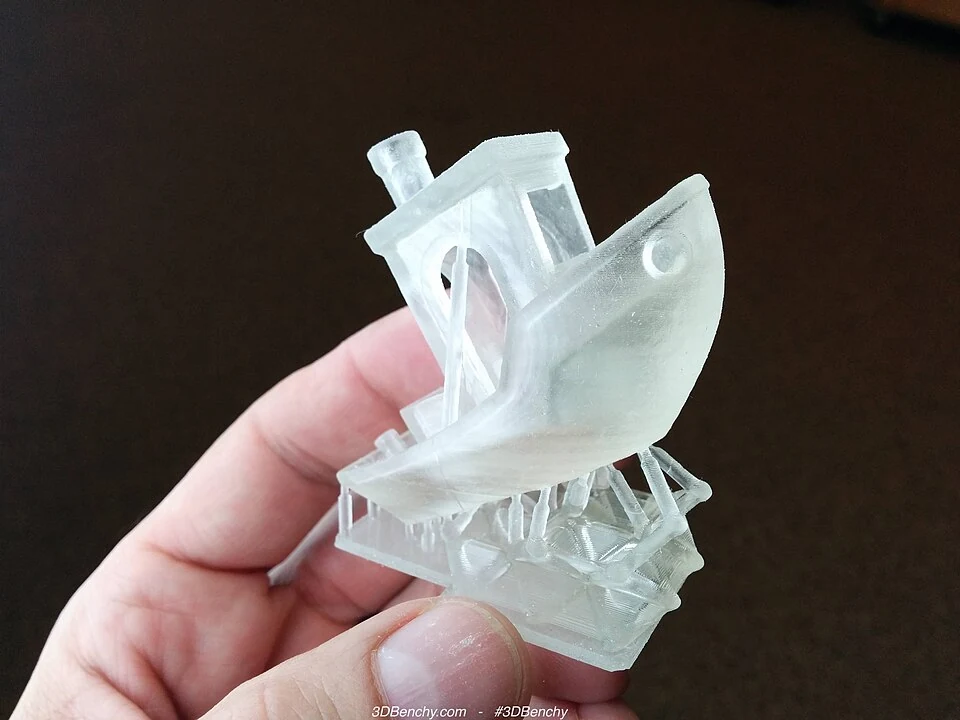
The advertised 14 × 19 micrometer pixel size describes the small rectangles of light the screen can control. It isn’t a guarantee that every printed feature will be accurate to those dimensions. Exposure, the resin’s behavior and your support placement still affect the result. Nor does the 16K label establish that the GK3 produces better miniatures than another well-adjusted printer.
Start with a settings profile for the exact printer and resin. A profile is the group of settings that controls exposure and plate movement. Too much exposure can close up fine gaps, while too little can leave weak features or failed supports.
Resin-specific settings can differ substantially. Liqcreate’s GK3 profile for Composite-X specifies an 8.5-second exposure at 0.05 mm layers, alongside particular lifting and waiting settings. That’s a specialist material example, not a recommendation for ordinary miniature resin. It shows why copying a short exposure from a printer advertisement is unreliable.
For batches, first confirm a small job succeeds, then add more models. There isn’t enough comparable, measured GK3 testing to promise a particular number of successful figures per hour.
A full plate also needs enough space for supports and removal. Choose the GK3 because your intended models fit and its handling suits you, rather than assuming its screen specification guarantees fast batch production.
Handling Resin Between GK3 Prints
The build plate is one of the GK3’s more useful conveniences. Its latch secures it to the lifting arm and releases it for removal. Taking the plate off doesn’t mean you have to level it again each time. Leveling sets the plate’s alignment, while the latch holds it in place.
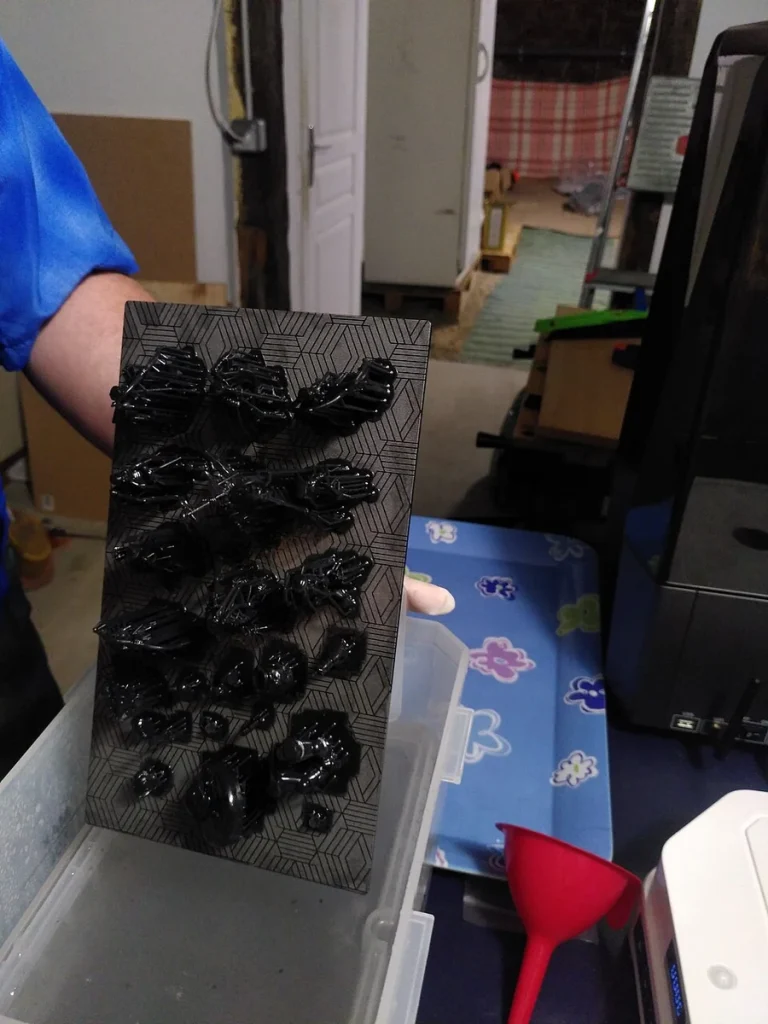
Once a print finishes, the sideways holder lets the plate drain over the vat, the tray that holds liquid resin. The holder supports the wet plate while excess resin drips back, reducing what can spill when you carry it to the cleanup area.
Keep a washable or disposable catch surface beside the printer anyway. Drainage doesn’t remove all the liquid from the plate, supports or model, and you still have to remove the parts and wash them. The holder reduces one awkward handling step; it doesn’t finish the cleanup.
Vat removal is also convenient. UniFormation’s replacement-vat documentation describes a sliding, quick-release design and an 800 ml maximum capacity.
The replacement vat includes a cover with somewhere to record the resin inside. A spare covered vat could be useful if you regularly alternate materials, provided you also keep the plate and feeding equipment from carrying old resin into the next job.
Emptying the original vat is more awkward: a hands-on report found feed hardware crowded the pouring corner. That doesn’t affect the drainage holder’s usefulness, but it does mean pouring unused resin back into a bottle takes more care.
Automatic refill is included in the regular GK3’s advertised equipment, and a GK3-T test confirmed a reusable bottle was supplied. It’s most appealing when you repeatedly use the same resin for jobs that need topping up. It doesn’t make a resin change automatic; resin remains in the feeding path as well as the vat.
If you change colors or materials often, I’d start with manual filling. The manual allows you to switch automatic feeding off, but it also says this disables resin-level detection. Check the amount yourself and stay below the vat’s MAX mark. Keeping the feeding system unused means you have fewer resin-coated parts to clean when you switch materials.
Setting Up And Updating The GK3
The GK3 arrives with its plate aligned at the factory. Follow UniFormation’s GK3 leveling check before your first full print to see whether the plate needs adjustment. Then calibrate exposure for your resin, since factory alignment can’t determine the right light exposure for each material.
UniFormation lists its own slicer, CHITUBOX and Lychee as compatible. A slicer turns your model into layers and prepares the printer’s instructions. Select the exact GK3 profile, arrange the model, add or check supports, then export the finished job. Compatibility with a slicer doesn’t mean all its network and monitoring features work identically.
The GK3 supports USB, Wi-Fi and Ethernet transfers. A GK3-T test successfully used CHITUBOX’s Chitu Manager for network control, while reporting more limited connectivity through Lychee. Ethernet is useful if your printer’s ventilated workspace has poor wireless reception and you can run a cable there.
Firmware is the software installed on the printer. UniFormation’s GK3/GK3 Pro support page lists version 1.4.9, while its app instructions still name 1.3.3. Use the matching support instructions to check app requirements; that older note doesn’t establish how every app feature works on 1.4.9.
The page also notes that 1.4.5 switched time-lapse recording off by default. Check whether recording is enabled before assuming the camera has failed.
A multi-exposure calibration print lets you compare test pieces made with different exposure times to choose a setting for your resin. Older reports describe the supplied test starting at 1.8 seconds in 0.2-second steps. If that range doesn’t cover your resin’s needs, prepare separate calibration jobs in your slicer using the exposure times you need to test.
Older reports also describe USB-update trouble resolved with another drive. Neither that problem nor the reported calibration-test restriction is established on 1.4.9, and the support page doesn’t confirm a fix. Treat them as reasons to allow setup time, rather than confirmed faults in that version.
For updates, use the package and instructions on the GK3/GK3 Pro support page. Don’t assume the printer’s update menu has found everything available, or substitute an Ultra package.
The camera gives you a way to check visible progress. It can’t replace inspecting the plate, vat and finished parts, especially while a small print remains difficult to see.
Heating And Ventilation For The GK3
The GK3 has heating settings of 25°C and 30°C, or about 77°F and 86°F. With heating enabled, the manual says printing waits until the sensor reports the selected temperature. This is useful if cold resin is part of your setup problem.
Treat it as a heater, though. The manual explicitly says it doesn’t maintain a constant temperature, and heat from the light source and electronics can push the reading higher. You shouldn’t expect it to cool hot resin back to the selected temperature. The touchscreen shows the sensor’s reading, which doesn’t establish that the whole vat of resin is equally warm.
For an unheated garage, warm-up time and the actual resin temperature remain important unknowns. The standard-GK3 evidence doesn’t support a dependable warm-up duration at a specified winter room temperature. Use the temperature range recommended for your material, and allow for heating before the job begins. Don’t use a Pro’s reported warm-up time as a guarantee for this printer.
Allow working space, too. UniFormation lists the closed machine at 392 × 332 × 520 mm. A GK3-T setup report advised roughly 85 cm of vertical room for opening the lid and accessing the refill system. A low shelf can interfere even when the closed printer fits underneath.
Ventilation needs to cover printing, washing and curing. The lid, carbon filter and any exhaust adapter don’t establish safe room air. A filter’s effect on odor doesn’t tell you how well the whole setup controls exposure.
Plan a ventilated work area separated from where you spend long periods, with extraction that removes emissions from the work area.
Wear eye protection and gloves suitable for the resin and cleaning solvent, following their safety information. Keep wash containers closed when possible, let cleaned parts dry, and cure them according to the resin instructions. Leave room for those tasks when planning the GK3’s bench space.

Replacing The GK3 Screen And Other Wear Parts
Screen access is a good reason to put the GK3 on your shortlist. UniFormation sells a model-specific “GK3 LCD Monochrome Screen” and describes a modular replacement design that avoids removing the entire assembly. Hands-on coverage also praises the access. That makes repair less daunting if you want to keep the printer through a screen replacement.
Allow time for the repair; there isn’t a verified replacement time to plan around. Before starting, get the instructions for your exact machine and replacement part, clear away the resin, and disconnect power. If the screen fails while you may have warranty coverage, contact support before opening the printer.
The official screen listing offers US shipping as well as other regional selections. That’s a useful parts route, although a catalog entry doesn’t guarantee immediate dispatch. Confirm availability when you need it.
The Pro’s screen, designed to let more light through, and the Ultra’s larger screen have separate listings; don’t buy either simply because “GK3” appears in the name.
You’ll also need to maintain the release film: the clear, flexible bottom of the vat from which each newly hardened layer separates. UniFormation lists nFEP film for the GK3/GK3 Pro. Damage or trapped hardened debris deserves attention before the next print, because a leaking vat can put resin onto the screen area.
There is now a separate GK3/GK3 Pro Resin Vat Upgrade Kit, with a GK3 T/B option. UniFormation advises against film without pre-punched holes for that kit. Check which vat is fitted before ordering film or following an older replacement guide. Don’t assume every new printer includes the upgrade kit.
Check warranty terms before planning your own repairs. UniFormation’s policy lists user or unauthorized third-party disassembly among circumstances for paid repair. It also lists faults caused by non-certified third-party consumables, including resin and release film.
That resin clause concerns the cause of a fault; it doesn’t say that merely using another brand cancels all coverage. Ask your seller to confirm the printer and LCD coverage and how it applies to your planned resin and repairs.
Easier access is valuable even without a lifespan claim. It doesn’t prove fewer failures or lower lifetime costs; those depend on how long the parts last, their replacement cost and how quickly you can get them.
When The GK3 Makes Sense For You
I’d choose the GK3-T if you expect to print regularly, your figures or model sections fit its plate, and you value being able to remove, drain and maintain parts without a complicated routine. Frequent use gives those conveniences more opportunities to help. The refill system adds most value when you stick with one resin across larger jobs.
For occasional printing, the case is weaker. You still need washing, curing and ventilation, and easy screen replacement may be a distant benefit. Put the total setup ahead of paying for a different screw mechanism. The available T-versus-B evidence doesn’t justify treating the B as a necessary upgrade for serious hobby use.
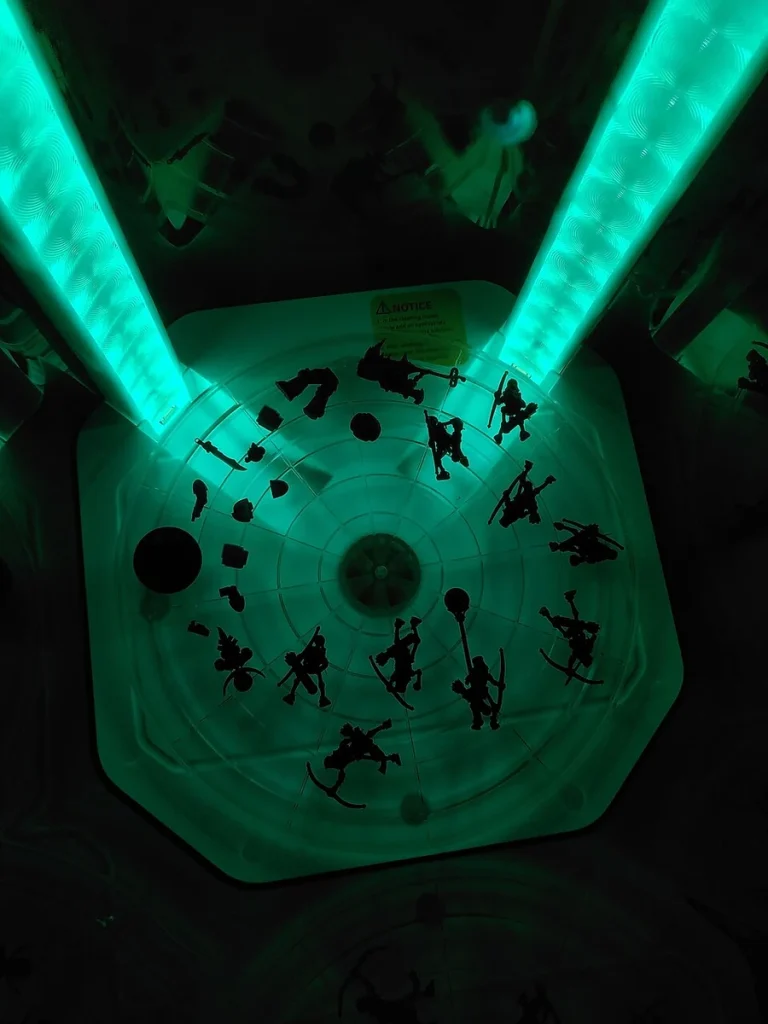
The closest useful alternative is the Elegoo Saturn 4 Ultra 16K. It generally costs less, offers almost the same plate area with 220 mm of height, and combines automatic leveling with a heated vat that tilts to separate each printed layer from the film.
Reported miniature prints with supplied 8K resin were highly detailed, although the same test had some trouble getting prints to stick to the plate. Automatic features still leave room for calibration.
I’d favor that alternative if upfront cost and automatic setup matter most. Favor the GK3 if its removable plate, sideways drainage, Ethernet and screen access solve problems you expect to face repeatedly.
If app monitoring or quick repairs are essential to you, ask the seller to confirm support for your phone and the available repair service before buying. The available evidence doesn’t establish dependable app behavior or repair turnaround.


