HeyGears Reflex RS Turbo Review
Costs more than the Elegoo Saturn 4 Ultra 16K; heating and finishing equipment add to the bill.
Our verdict
I’d choose the RS Turbo for detailed figures when guided preparation matters more than the lowest hardware cost. Its prepared resin profiles are the main appeal, provided your models fit and you can accommodate washing, curing and a suitable resin workspace.
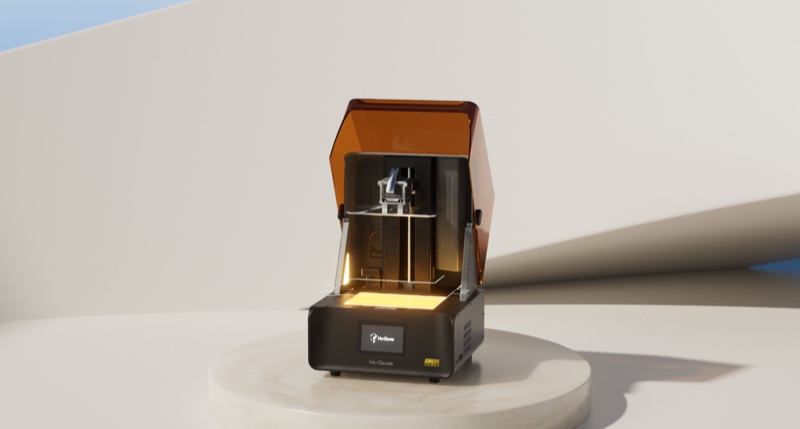
Best atDetailed miniatures and display models with less manual preparation through Blueprint Studio.
Less suited toOversized parts, a tight equipment budget or a workflow that needs unrestricted software control.
The Key Specs
| Print area | 222 × 122 × 228 mmAllow for the model’s angle and supports; larger statues may need splitting. |
|---|---|
| Amber Screen | 8K; 29.7 µm pixelsThe Turbo changes light control without increasing the original RS pixel count. |
| Preparation | Blueprint Studio with prepared resin profilesAutomatic repair, orientation and supports can save work, but inspect visible surfaces and unsupported areas. |
| Third-party resin | Open Material Mode in BlueprintExposure and other settings are adjustable within limits; confirm your resin’s requirements and budget for calibration prints. |
| Tank heating | Optional heated tankUseful when the room cannot maintain the resin’s recommended temperature; the pulsing module is a separate choice. |
| Monitoring | App status and notifications; no built-in cameraCheck the actual parts to spot detached features or developing defects. |
Which Version Should You Buy?
- Printer only
- Choose it if you already have washing and curing equipment that fits your parts and meets the resin’s requirements.
- Turbo Combo
- Adds UltraCraft Wash and UltraCraft Cure. Choose it for matching finishing equipment, after checking each station’s smaller working volume.
- Combo with Pulsing Release Module
- Adds the pulsing module and heated/pulsing tank. Choose it only when the release assistance has a demonstrated benefit for your intended resin and models.
- Heated tank without the pulsing module
- Prioritize this addition if maintaining resin temperature is the problem; Blueprint supports a “No Add-on Module” configuration.
Budget beyond the printer. Allow for resin, cleaning fluid, suitable gloves and eye protection, ventilation, washing and curing equipment, replacement tank film and eventually a screen. Leave bench space for wet parts and drainage, and account for contaminated-fluid disposal and resin used in calibration.
Also consider: Elegoo Saturn 4 Ultra 16K. Costs less and includes tank heating and a monitoring camera, with a slightly smaller build volume. I’d consider it when hardware cost matters more than HeyGears’ coordinated workflow.
More Specs And Ownership Details
| Wash / cure capacity | UltraCraft Wash: 198 × 123 × 150 mm; UltraCraft Cure: 198 × 124 × 220 mm. A part that fits the printer may not fit either station in the same orientation. |
|---|---|
| File transfer | USB and Wi-Fi are supported. Local file transfer does not establish an entirely account-free or internet-free workflow. |
| Open Material limits | Basic Mode permits light intensity from 12–17 W/m². Confirm that the required controls are available after updating Blueprint and printer firmware. |
| Original RS owners | Investigate the compatible Amber Screen set or fuller calibration kit before replacing the printer. Open Material Mode is also available to the RS. |
| Finishing | Support removal, washing, drying and curing remain separate work. Clear examples may need surface preparation and coating. |
I’d consider the HeyGears Reflex RS Turbo if you want detailed miniatures and would rather spend your time painting them than adjusting printer settings. Reported prints show sharp detail, and its guided software can take much of the work out of preparing straightforward models. You still have to check the temporary supports that hold parts during printing, handle liquid resin, wash parts and cure them with ultraviolet light to finish hardening them.
I’d recommend it for that convenience, provided your models fit and you’re comfortable using Blueprint Studio. It costs more than a comparable Elegoo Saturn 4 Ultra 16K, and the accessories add to both the bill and the space you need. Third-party resin is now officially supported through Open Material Mode, though that doesn’t give you unrestricted control or tested settings for every resin.
What Changes With The Reflex RS Turbo
The Turbo’s main hardware change from the original RS is its Amber Screen, the LCD that controls where ultraviolet light hardens the resin. The screen still has an 8K resolution and a 29.7-micron pixel size. The upgrade changes how it controls light and hardens resin; it doesn’t increase the pixel count. HeyGears also claims longer screen life, but independent long-term testing hasn’t established that.
The stated space available for printing is 222 × 122 × 228 mm, or roughly 8.7 × 4.8 × 9 inches. Use the official 122 mm depth when checking your models. Some reports list 128 mm, which conflicts with that specification. Leave room for the model’s angle and supports when checking whether it fits. If your statue is too big, you’ll need to print it in smaller pieces and put them together.
The mechanism that raises and lowers the printing platform is also used in the original RS. It isn’t a Turbo upgrade.
RS owners have an official Amber Screen upgrade option. HeyGears lists a screen set and a fuller kit with a tool for calibrating the LED light source. Confirm which kit your printer needs and follow its installation and calibration instructions. The kit lets you upgrade your RS, but don’t assume changing the screen makes it identical to a factory Turbo.
What The Turbo’s Prints And Timings Show
The strongest case for the Turbo is detailed display work. A sponsored hands-on demonstration produced a crisp Johnny Silverhand bust using the default PAF10 resin settings, although small support marks remained. Its Bane bust also had minor base defects attributed to preparation. Those examples are encouraging without suggesting that every surface comes out ready to paint.
A reviewer also reported successful Cones of Calibration prints, a test of whether small features held by supports form as intended. That helps check how well the light-exposure settings and supports work together. It doesn’t tell you whether holes, joints or moving parts will come out at the right size.
For parts that must fit together, I’d print a small sample of the joint first, then measure it after washing and curing. A sharp-looking edge doesn’t prove the part has the exact dimensions you designed. HeyGears’ tiny positioning-error figures describe how precisely the printer’s mechanism moves. They don’t guarantee that your finished housing or miniature’s peg will be that accurate.
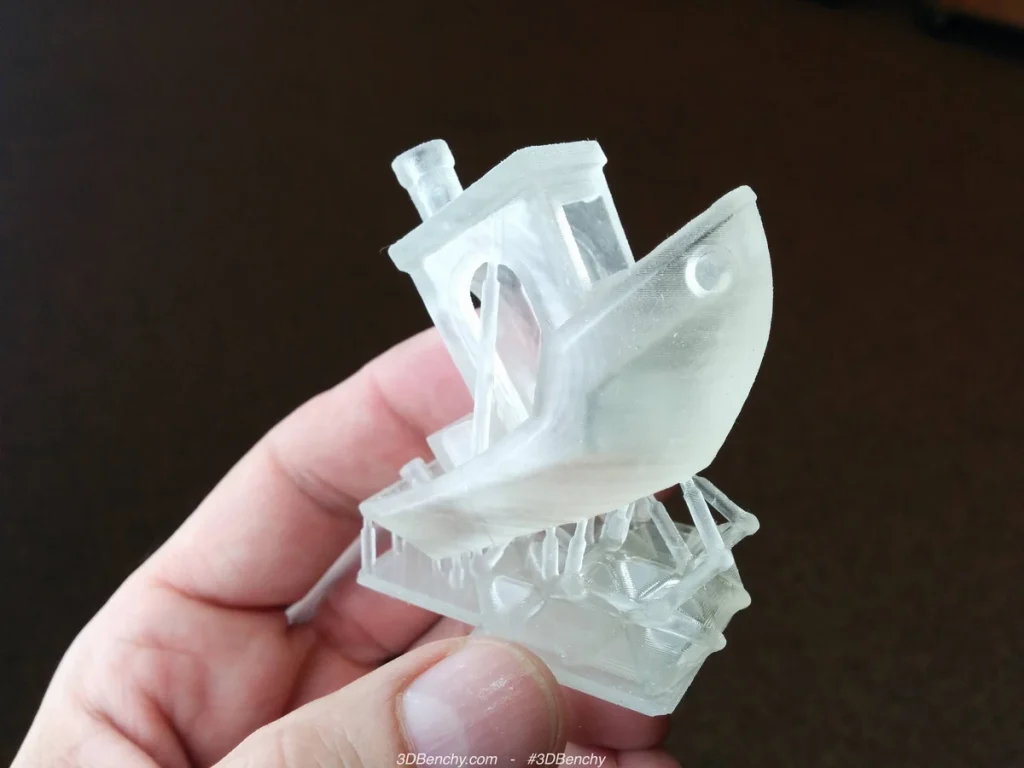
The two reported speed gains use different comparisons. HeyGears’ up-to-33% improvement uses PAWW10 water-washable resin and compares its method of controlling the printer’s movement with conventional motion control. A reviewer’s reported 20–40% improvement compares the Turbo with the original RS across tall and short prints. The RS comparison doesn’t fully document whether the files, resin, thickness of each printed layer, printer software and accessories were matched. Don’t use either percentage to predict your next job’s finish time.
Faster printing helps most when it lets you start another batch sooner. It doesn’t shorten the work afterward: washing, removing supports, drying and curing the parts.
Clear models may also need finishing work. HeyGears’ transparent-print workflow includes finishing and coating options. Judge coated examples as finished pieces, not proof that a freshly washed print has the same glasslike appearance. The resin, surface preparation and coating all contribute to that result.
How Much Work Blueprint Leaves You
Blueprint Studio prepares your model file for printing by dividing it into thin layers, a step called slicing. You start by choosing the printer, installed accessories, resin and layer thickness. Its automatic preparation can repair the model file, choose the angle to print it at and add supports.
For a straightforward figure, you can use a resin profile—a set of print settings for that material—without working out the settings yourself. Match the profile to the resin in the tank. HeyGears’ letter-and-number resin names make it worth checking the bottle twice.
Check the model after automatic preparation. Supports can leave marks where they attach, so look closely at faces and other visible details. If the software puts supports on the face, change the model’s angle before printing so they attach somewhere less visible. That can save you cleanup later.
Large, smooth objects need more attention. In reported Turbo testing, broad surfaces developed lines when the model wasn’t held firmly enough; adding supports helped. Inspect large areas without supports even when the software says the file is ready. If automatic repair changes the model’s shape, check that it still matches your design.
Sending the prepared file takes a separate step. One reviewer found it irritating to have to locate the sliced file in another area of Blueprint before sending it to the printer.
If you’re new to the Turbo, I’d start with a modest model and a supported HeyGears resin. Learn how its supports detach and how much finishing your preferred shapes need before filling the platform. That will help you judge whether the time saved is worth the extra cost.
Which Resins And Settings The Turbo Supports
You can use HeyGears’ prepared resin profiles or adjust settings yourself in Open Material Mode. Official documentation dated May 29, 2026 supports this mode on both the RS and RS Turbo, including changes to light-exposure time.
In a new project, select Open Material, then use the Print Process Editor in the Slice stage. Available controls include exposure duration, extra exposure for software-generated supports, light intensity and dimensional compensation, which adjusts the print dimensions to help correct differences between the model’s intended and printed size. Basic Mode limits light intensity to 12–17 W/m²; don’t assume settings outside that range are possible. The documentation describes broader Expert Mode as still under development. You’ll still use Blueprint; Open Material Mode doesn’t establish support for files prepared in other slicing programs.
HeyGears says hardware warranty coverage remains available in either mode, subject to its warranty terms. HeyGears’ setup instructions don’t specify a separate activation fee or the minimum versions of Blueprint and firmware, the printer’s internal software. Update both and confirm that the editor is available before relying on it for a required resin.
Siraya Tech publishes RS/RS Turbo settings for named Blu resins, giving you a starting point for using another brand. Its combined guide doesn’t establish identical results on both printers, and reader feedback disputes one recommendation for Fast Navy Grey resin.
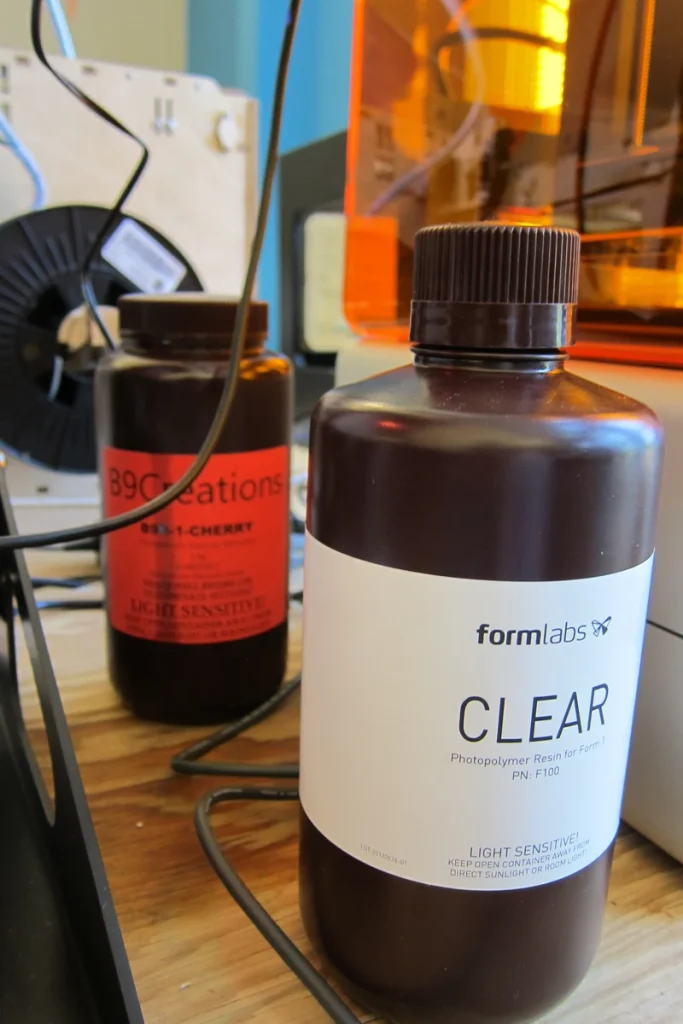
If you want the least preparation, choose a resin with an official RS Turbo profile that suits your model. If a particular third-party resin is essential, confirm that the permitted settings suit it. Test those settings with a calibration sample, then a part like those you intend to make. Allow time and resin for those tests and any further adjustments.
Sending Files To The Turbo And Checking Progress
USB file transfer and Wi-Fi are supported. The Turbo also has a microSD slot. Later coverage reports storage expansion that earlier coverage said wasn’t enabled. Before using a microSD card to store lots of print files, confirm how large a card the printer supports, how it must be formatted and which firmware version it needs.
LAN-only operation lets you send files over your local network. One reviewer reported connection problems while using it; that doesn’t establish widespread trouble. Being able to transfer files locally also doesn’t mean setup, account access and every software feature will keep working without internet access.
Blueprint’s full remote functions require network access, according to HeyGears. If your workshop computer must stay off the internet, confirm that your versions of the software support everything from installation and activation to slicing and repeat printing without it. I wouldn’t buy the Turbo for a strictly account-free setup on the evidence available.
The Blueprint Go app can show job status and completion notifications once you link it to your account. The Turbo has no built-in camera, so a notification doesn’t let you inspect whether a sword has detached or a print is developing a defect. You still need to check the actual parts.
What A Complete Turbo Setup Adds
Start with the package contents. The printer-only configuration includes the printing hardware, tank, platform and basic tools. The standard Turbo Combo adds UltraCraft Wash and UltraCraft Cure. The Combo with Pulsing Release Module adds that module and the Heated & Pulsing Release Resin Tank. A listing that says “with Cure” doesn’t also promise a washer.
The heated tank helps maintain resin temperature. I’d prioritize it if your workspace struggles to stay within the resin’s recommended temperature range. You can use the heated tank without buying the pulsing module. HeyGears documents selecting “No Add-on Module” in Blueprint for that arrangement.
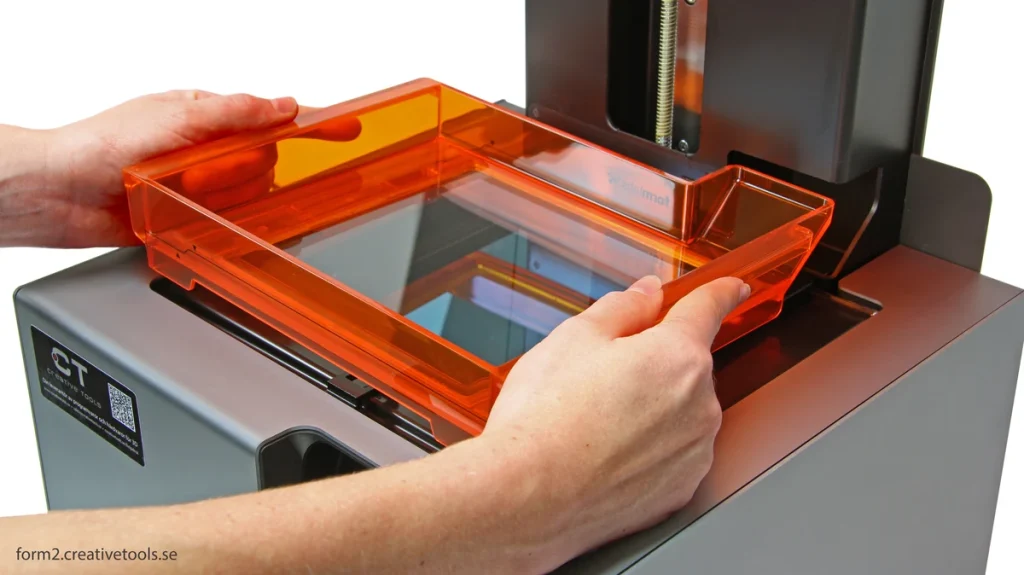
The pulsing module helps with a different part of printing. Each newly hardened layer must come away from the surface it forms against, called the tank film, so printing can continue. The module uses air pressure to help with that release. I’d buy it only if there’s evidence that this extra help improves results with the resin and models I plan to print. Reports of its benefits on earlier Reflex printers don’t establish how much it improves a Turbo with your resin and model. Don’t buy it solely on a promise of invisible support marks.
You may be able to use a washer and curing unit you already own. They need enough room for your parts and must meet your resin’s curing requirements, including any heat treatment as well as ultraviolet exposure. Matching HeyGears equipment can simplify the process, but it isn’t essential just because you buy its printer.
Size is an easily missed limitation. UltraCraft Wash lists a 198 × 123 × 150 mm cleaning volume; UltraCraft Cure lists 198 × 124 × 220 mm. Both are smaller in some directions than the Turbo’s build volume. A part that fits the printer won’t necessarily fit either station in the same orientation. Check large pieces before committing to the bundle.
The washer comes with two cleaning boxes and transfers cleaning fluid through drain valves. That can reduce reaching into dirty solvent, but you still load parts and manage the liquid. Follow the resin’s wash instructions and handle thin weapons, fingers and other delicate details gently. One hands-on report found that parts knocking together during shaking weren’t a major problem in its tests. That doesn’t establish that crowded, fragile models will wash without damage.
Allow bench space for the printer, washer and curing unit, drainage and a clear area for wet parts. Use ventilation, eye protection and gloves suitable for the resin and cleaning solvent. Keep alcohol containers closed when possible and away from ignition sources. Don’t pour liquid resin or contaminated wash fluid down a drain; follow the material safety information and local disposal requirements. The lid and automated settings don’t make this suitable for an ordinary bedroom desk.
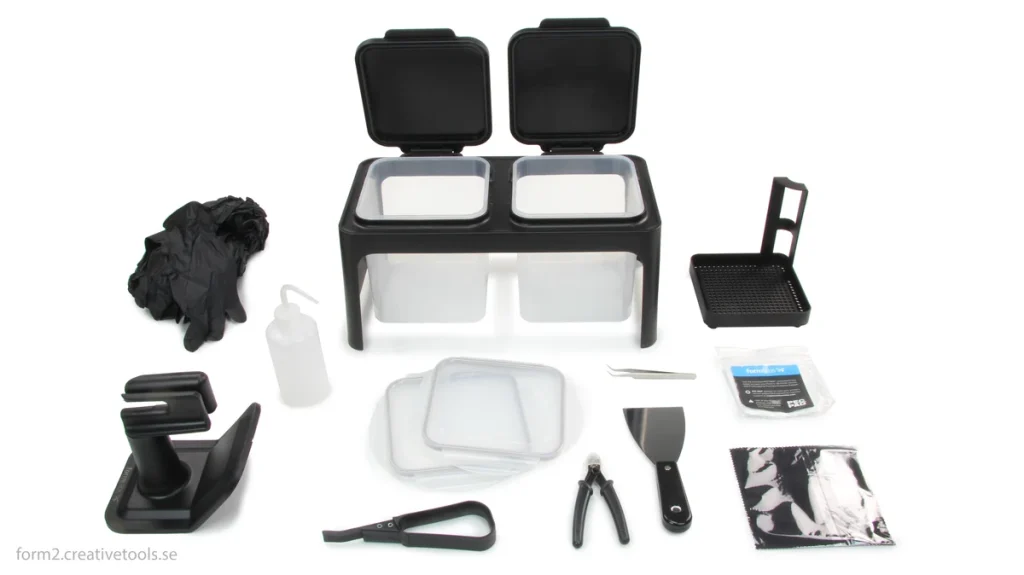
Ongoing costs include resin, cleaning fluid, gloves, tank film and eventually a replacement screen. HeyGears lists replacement parts and installation guidance, though that doesn’t guarantee immediate supply. Its US policy gives the printer a one-year warranty and the Turbo LCD 180 days, subject to the warranty terms; wear items have separate exclusions. Those terms are more useful for planning than a claimed million-layer screen life.
Is The Reflex RS Turbo Right For You?
I’d choose the RS Turbo for detailed figures when you want a guided preparation process and can afford the complete resin workspace. It makes most sense if you’ll regularly use the prepared resin profiles. Open Material Mode gives you the option to try other resins later.
The closest cheaper alternative I’d consider is the Elegoo Saturn 4 Ultra 16K. It includes tank heating and a monitoring camera, two features the base Turbo doesn’t provide. Its build volume is slightly smaller. Choose it if hardware cost matters more than HeyGears’ coordinated preparation and finishing workflow; its higher screen resolution alone doesn’t settle which will produce the better model.
HeyGears also sells the newer Reflex 2 family alongside the RS Turbo. Those printers deserve a separate look if you need more room or different materials, but a newer name isn’t a reason to replace a printer that already fits your work.
For an original RS owner, I’d keep printing unless speed is holding up your next batch or the screen needs replacing. Investigate the compatible Amber Screen kit before buying another printer. Open Material Mode is available to the original RS too, so that feature doesn’t require a Turbo purchase.
Skip the Turbo if your parts won’t fit, your workspace can’t handle resin safely, or unrestricted software control is essential.


