Overture ABS Review
Higher setup costs if you still need enclosure, drying and ventilation equipment.
Our verdict
I’d start with one spool of Overture ABS for small housings, knobs or prototypes that justify ABS’s heat resistance or finishing options. It makes most sense with an enclosed printer and suitable ventilation already in place. Expect calibration work, and test the finished part under its intended conditions before relying on it.
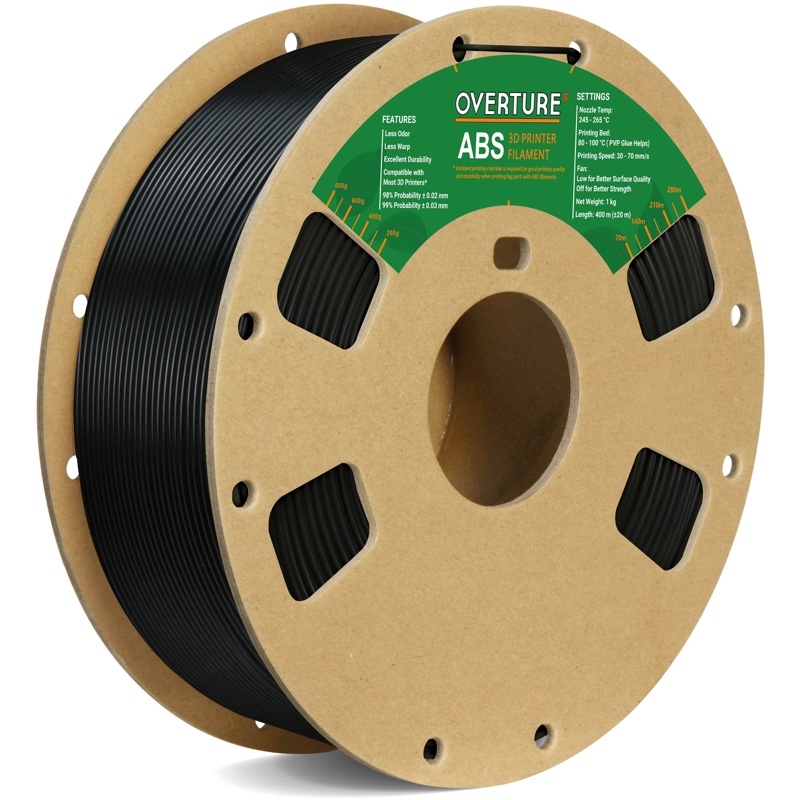
Best atSmall, noncritical working parts and finishable prototypes on an established ABS setup.
Less suited toEasy room-temperature prototypes, open-printer setups and parts that need a proven long-term load rating.
The Key Specs
| Material / spool | Standard ABS · 1.75 mm · 1 kgStart with one standard color; Glow and Diamond variants may behave differently. |
|---|---|
| Printer setup | Enclosure and suitable ventilationSteady warmth helps control warping; an enclosure alone does not handle emissions. |
| Nozzle / bed | Wiki and technical sheet: 245–265°C / 80–100°CThe product description differs. Check your spool label and resolve discrepancies with Overture within your printer’s limits. |
| Filament tolerance | Manufacturer specifies ±0.02 mmThis describes the strand, not finished-part accuracy; check important joints and holes. |
| Drying | Overture guidance: 75°C for seven hoursUse rated equipment and respect the actual spool’s temperature limit, then store sealed with desiccant. |
| Heat limits | Published figures are not a working-temperature ratingEstablish how your own noncritical part behaves under its intended heat and weight. |
Which Spool Should You Buy?
- One standard-color 1 kg spool
- My starting choice: establish fit, finish and settings before buying several colors or replenishing in quantity.
Budget For ABS Handling And Storage. Allow for an enclosure, suitable ventilation, drying equipment, sealed storage and desiccant if you do not already have them. Reserve filament and time for calibration samples; buy any adhesion supplies according to your build-plate maker’s instructions.
More Material And Compatibility Details
| Speed / cooling | Overture recommends 30–70 mm/s with the part-cooling fan off; this is not the hotend’s protective fan. |
|---|---|
| Conflicting store settings | The product description also lists a 230–250°C nozzle and 90–110°C bed. Do not combine the two sources into one range. |
| Build surface | Overture lists its build surface or textured PEI. Follow the plate maker’s cleaning, glue and removal instructions. |
| Spool fit | Wiki dimensions: 200 mm outside diameter × 65.6 mm width. Check the actual spool against your automatic feeder’s requirements. |
| Finishing | Sanding and painting are options. Acetone smoothing can alter detail and fit; it needs suitable ventilation and ignition control. |
| Material alternatives | PETG is usually easier for ordinary indoor working parts; PLA suits shape models. Investigate ASA for prolonged sun exposure. |
I’d consider Overture ABS if you already have an enclosed printer, suitable ventilation and a part that needs more heat resistance than easy-to-print PLA can offer. I’d start with one spool for small working parts whose failure wouldn’t cause harm. Overture’s published figures make it worth a look, but don’t establish how long your finished part will hold up under heat and weight.
The main drawback is the preparation. ABS can shrink and pull away from the print bed as it cools, and Overture’s instructions need careful reading. For everyday holders and room-temperature prototypes, PETG or PLA will usually make the job easier.
Does Overture ABS Suit The Parts You Want To Make?
This review covers standard Overture ABS, a plastic sold as filament—the strand your printer melts to build a part. The company’s US store sells it in a 1.75 mm diameter on a 1 kg spool. It isn’t labeled ABS+, and you shouldn’t assume that the Glow or Diamond versions print the same way as standard colors.
Think about why you want to move beyond PLA. If a prototype only needs to show the shape of a new handle or check where screw holes belong, PLA is a sensible first choice. Its easier printing matters more than heat resistance you won’t use.
Overture ABS becomes more interesting for a replacement knob near warm equipment, a small hobby-project housing or a prototype that needs sanding and painting. Those are possible applications, not promises that any design will survive. A chunky knob and a thin bracket carrying weight ask very different things of the same plastic.
PETG, another printing plastic, is the closest useful alternative for ordinary working parts. It generally has less trouble with warping than ABS and suits many holders, covers and brackets. If PETG already meets your part’s temperature and strength needs, switching to Overture ABS adds work without a clear benefit.
For a part that will stay outdoors in sunlight, investigate ASA instead. This plastic resists ultraviolet light better than ABS, making it more suitable for prolonged sun exposure. That doesn’t make it an easier printing project; enclosure and ventilation planning still matter.
What Your Printer Needs For Overture ABS
Plan on an enclosure that keeps the air around the print warm and limits drafts. ABS shrinks as it cools, and uneven cooling can pull corners upward or split the bonds between printed layers. Keeping the surrounding air warm and steady helps reduce that stress.
Check that your printer is approved for enclosed ABS printing, including its hotend—the assembly that melts the filament—and heated bed. Reaching a temperature briefly doesn’t establish that the machine can run there for hours.
Overture’s ABS wiki recommends a 245–265°C nozzle, an 80–100°C bed and speeds of 30–70 mm/s. Its technical sheet agrees. However, the product description also gives 230–250°C for the nozzle and 90–110°C for the bed.
Don’t merge those conflicting instructions into a single set of settings. The wiki and technical sheet are the better-supported place to start; if your spool label differs, ask Overture which instructions apply to that spool. Stay within your printer’s documented limits.
For the printing surface, Overture lists its own build surface or textured PEI, a common coating on removable printer plates. Follow your plate maker’s cleaning and glue instructions. A filament recommendation doesn’t override the plate’s requirements for adhesion or safe removal.
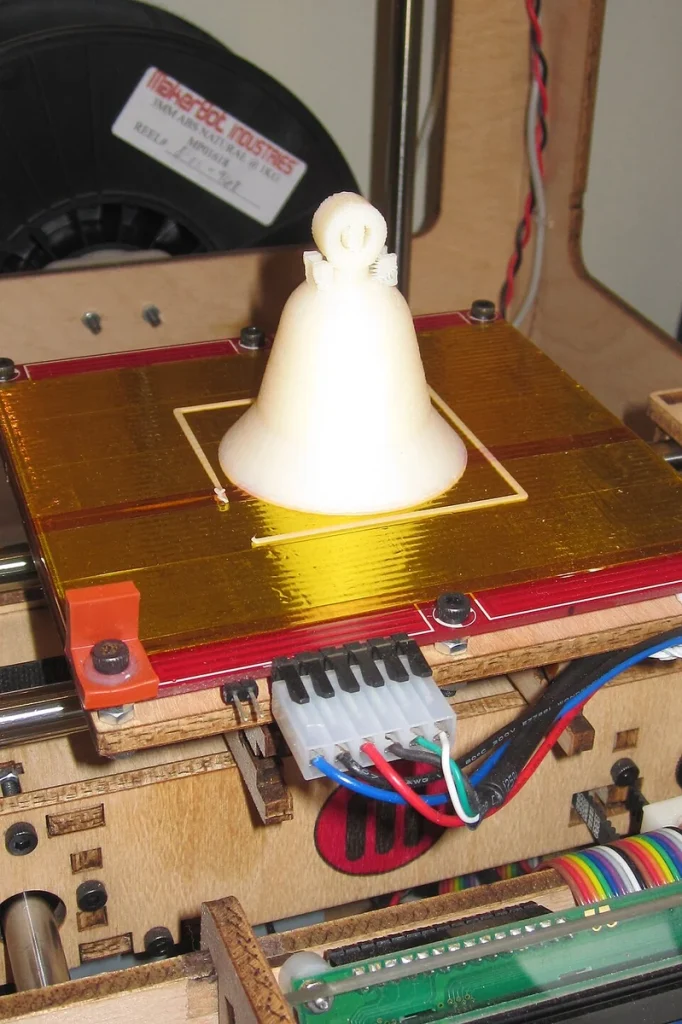
Overture says to start with the part-cooling fan off. That means the fan blowing on the printed plastic, not the fan protecting the hotend. Too much cooling can weaken the bonds between ABS layers, so don’t carry over PLA settings with strong cooling.
Begin with a small test print to adjust your settings before committing to a large part, and check that the first layer sticks evenly.
Drying removes absorbed moisture that can turn to steam in the hotend, leaving a rough surface or weaker bonds between layers. Overture’s drying guide specifies 75°C for seven hours for ABS and says its guidance accounts for spool construction.
Use equipment rated to maintain that temperature, check the instructions on your actual spool, and respect any lower limit on a replacement spool or adapter. Afterward, store the filament in a sealed bag or container with desiccant, such as moisture-absorbing silica gel packets, to help keep it dry.
If you use an automatic filament feeder, check the spool fit too. Overture has moved to cardboard spools, and its ABS wiki lists a 200 mm outside diameter and 65.6 mm width. Compare your actual spool with your automatic feeder’s requirements; those dimensions alone don’t prove reliable feeding.
An enclosure alone doesn’t make the air safe to breathe. ABS printing releases particles and gases, and you can’t judge exposure by smell. Use a ventilated workspace, ideally with an exhaust system that captures emissions near the printer.
If you rely on filtration, it needs to address both particles and gases; a HEPA filter alone handles particles. Keep the printer away from where you spend hours sitting.
How Well Does Overture ABS Print?
Overture describes a smooth, slightly glossy finish, but that’s a manufacturer description rather than a dependable prediction for every spool and printer. Temperature, cooling and the shape of your part all affect the result. There isn’t enough well-documented current evidence to call this ABS unusually consistent or unusually resistant to warping.
A reported test from 2022 offers a limited example. On a QIDI i-Mates with a PEI sheet, Overture ABS produced a generally successful Benchy model boat at a 240°C nozzle and 90°C bed. The stated speed was 60 mm/s, with a 10 mm/s first layer; the part-cooling fan ran at 100% after the first layer.
Chamber conditions, color and the boat’s printed dimensions weren’t specified. That result doesn’t establish settings for a current US spool. In particular, its cooling differs from Overture’s current guidance.
For your own parts, separate sticking to the bed from staying flat. A first layer can adhere while cooling stresses pull the corners upward later. With ABS generally, a long, flat housing is a tougher warping challenge than a compact knob. A successful small model doesn’t settle whether a much larger part will print cleanly.
Fit needs checking, too. Overture specifies a diameter tolerance of ±0.02 mm, meaning that much variation either side of the stated 1.75 mm. That describes the filament going into the printer, not the accuracy of the object coming out.
Cooling shrinkage, printer calibration and a bottom layer that spreads outward can all affect whether two pieces fit. Print the important joint or screw-hole area first, let it cool, and measure it before printing the whole assembly.
If results are poor, change one thing at a time. Check that the bed is clean, the first layer sticks, the filament is dry and the print is protected from drafts before blaming the spool. A known-good ABS spool printed with its appropriate settings on the same machine can help narrow the cause.
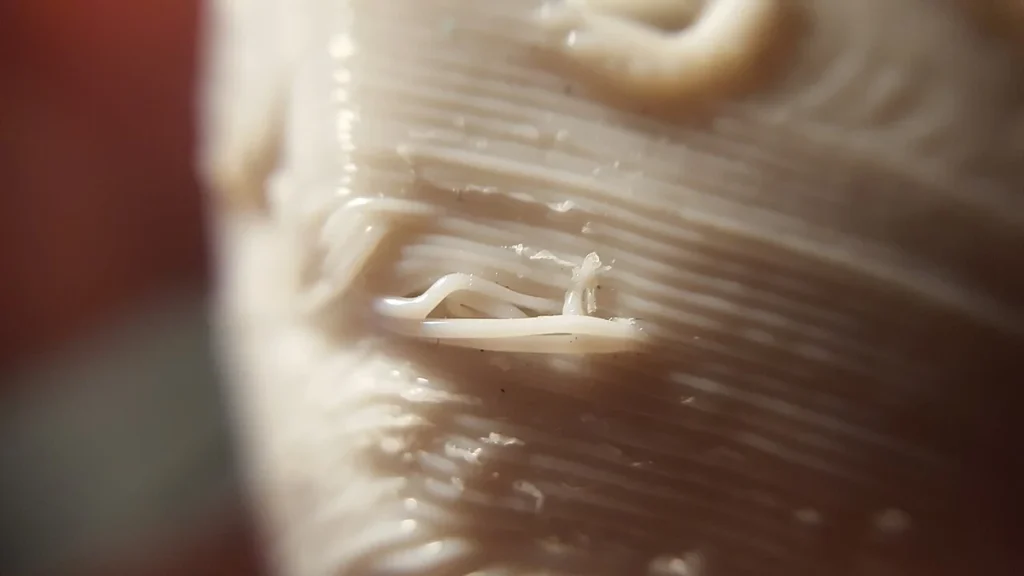
If you contact Overture about a suspected spool problem, record the color, batch label, settings, part dimensions and repeated defect. One lifted corner can’t tell you whether Overture’s material or your setup caused the problem.
How Much Heat And Stress Can Overture ABS Handle?
Don’t treat Overture ABS as a guaranteed 100°C working material. Overture advertises heat deflection up to 98°C and a Vicat softening temperature of 103.4°C. These are different measurements, and neither tells you how a loaded bracket will behave for months.
Vicat testing measures softening as a small probe presses into a heated sample. The cited ISO 306 standard includes different forces and heating rates; Overture doesn’t identify the specific method used.
Heat-deflection testing measures bending under a specified load as temperature rises. The 98°C product claim doesn’t provide enough test detail to turn it into a working-temperature limit.
The mechanical figures need similar care. Overture’s technical sheet reports tensile strength of 25.1 MPa in the horizontal print direction and 21.3 MPa vertically, across the layers. Tensile strength measures resistance to being pulled apart; MPa is the unit used to express it. Those figures don’t establish resistance to repeated bending, screw tightening or years of supporting weight.
The sheet also lists a 205°C nozzle and 40°C bed for preparing test samples, far below its own recommended printing settings. It lists solid-filled samples kept at room temperature for 24 hours before testing, but the conflicting temperatures leave the actual test conditions unclear. Don’t copy them as printing settings.
For a noncritical part, test a sample with the heat and weight it will actually face, mounted the way you plan to use it. If failure could hurt someone or damage valuable equipment, these published figures aren’t enough to approve the design.
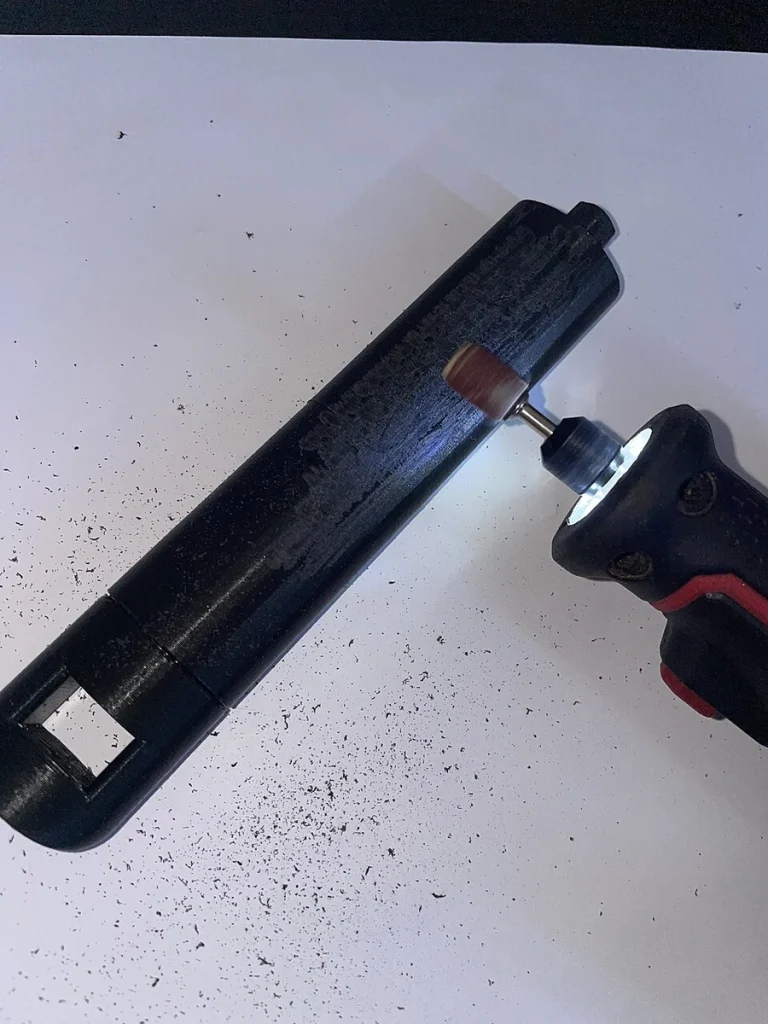
Finishing may still make ABS worthwhile for a prototype shell. Sanding and painting are options, while acetone can smooth ABS by attacking its surface. That can also change small details and fit. Acetone is highly flammable and needs appropriate ventilation and ignition control; a smoother appearance doesn’t prove a stronger part.
Is Overture ABS Worth Buying For Your Setup?
I’d consider one spool if you already print ABS successfully and want to try Overture for small housings, knobs or other parts whose failure would be a nuisance rather than a hazard. The useful attractions are its documented heat-related properties and finishing options. You’ll still need to establish the settings and finished-part behavior that matter to your project.
I wouldn’t buy several colors upfront and assume they’ll all print the same way. First find out whether one standard color produces the fit and finish you need. A spool that works for decorative shells also hasn’t automatically earned a place in parts carrying sustained loads.
For a first move away from PLA, PETG is usually the more practical choice when ordinary indoor durability is the goal. If you only need a shape model, keep using PLA. Choose Overture ABS because you have a specific reason to need ABS, such as heat exposure or finishing, and enough room in the project to test the result.
Its value depends on what you already own. If you still need an enclosure, suitable drying equipment and ventilation improvements, include those costs in the decision. If your setup is ready, the remaining commitment is calibration time and material for samples.
There isn’t enough comparable evidence to promise that Overture will cost less per successful part than another ABS brand. Reorder only once you’re satisfied with how your first spool prints and how the finished parts behave.


