eSUN PLA+ Review
No consistent premium over ordinary PLA established; compare equivalent colors, quantities and spool formats.
Our verdict
I’d try one spool of eSUN PLA+ for display models, props and light indoor covers that will be handled. I’d keep ordinary PLA if it already gives me the finish and durability I need: the plus label does not remove PLA’s heat limits or guarantee stronger parts under every load.
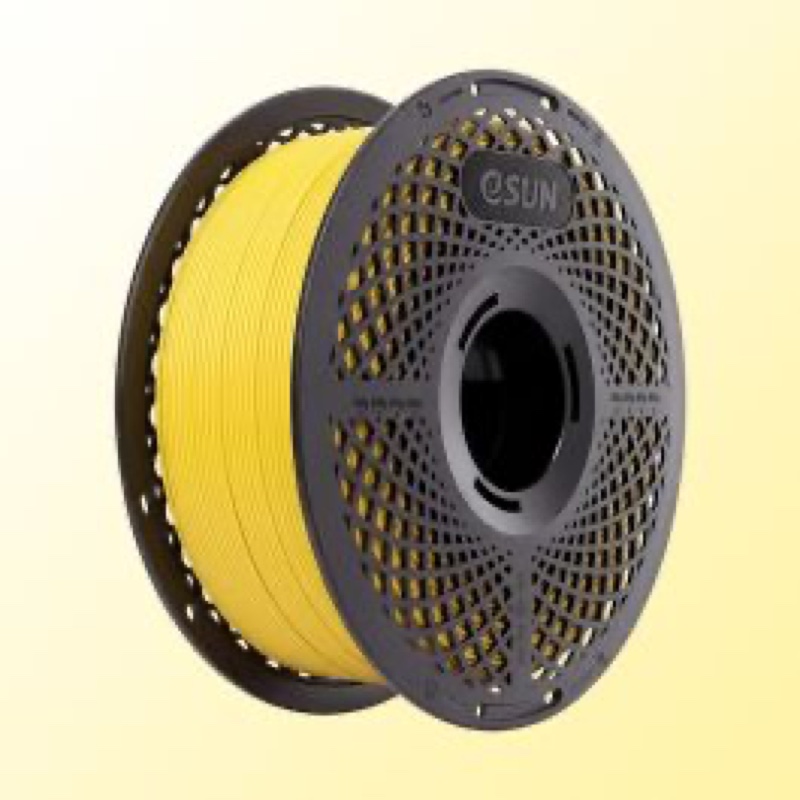
Best atDisplay models, costume accessories and light indoor parts, with a small setup print before committing.
Less suited toHot-car mounts, permanent outdoor fittings and heavily loaded or repeatedly flexed parts.
The Key Specs
| Material and pack | Modified PLA; 1.75 mm, 1 kg spool on the US listingMatch the filament diameter to your printer and check whether a spool is included. |
|---|---|
| Nozzle and bed | eSUN recommends 210–230°C / 45–60°CUse these ranges to tune a suitable preset; follow your build plate’s instructions. |
| Heat limit | About 54°C heat distortion temperature in eSUN’s testThis is not a continuous-use rating; I would avoid hot-car applications. |
| Layer bonding | Lower pulling strength across layers in eSUN’s testsPrint direction matters; fully filled test samples do not predict every hollow part. |
| Drying | eSUN guidance: 50°C for 8–12 hoursUse a controlled dryer and respect any lower spool or equipment temperature limit. |
| Spool fit | Check the exact package and feederFilament compatibility does not establish automatic-feeder compatibility. |
Which PLA+ Spool Should You Buy?
- One complete PLA+ spool
- My starting choice for trying a color and checking finish, fit and handling before buying several rolls.
- PLA+ Refilament
- Choose the spoolless refill only after confirming that you have the compatible reusable spool or adapter.
- PLA+HS, silk or matte
- These are separate materials to investigate for high-speed printing or a specific finish; this review covers regular PLA+.
Budget For Storage And Spool Hardware. Allow for sealed bags or a box with desiccant, a controlled filament dryer if needed, and a compatible reusable spool or adapter for refills. Reserve some filament for setup prints and fit checks.
More Handling And Compatibility Details
| Cooling | eSUN specifies 100% part cooling; retain the preset’s first-layer cooling behavior. |
|---|---|
| Speed | eSUN lists below 300 mm/s; keep a conservative volumetric-flow limit until you have checked the result. |
| Color matching | Keep the exact color name and print a sample; do not assume a later spool will match perfectly. |
| Formula version | The current listing describes an upgraded formula; match setup guidance to the exact product label. |
I’d try eSUN PLA+ for display models, props and light indoor parts, especially if you want one filament for objects you’ll both show off and handle. It can produce clean detail, and a small comparison with eSUN’s ordinary PLA found that its printed parts took more force to break. That’s encouraging, but it doesn’t make PLA+ better for every job.
The biggest catch is that “plus” doesn’t solve PLA’s heat limits or guarantee stronger parts in every direction. You may also need to adjust your printer settings. If ordinary PLA already gives you the finish and durability you need, there’s no compelling reason to switch.
Which eSUN PLA+ Spool Are You Buying?
Look for eSUN PLA+, then check the diameter, net weight and whether the order includes a spool. The current US product page lists 1.75 mm filament with 1 kg of material per spool. That diameter must match your printer’s filament requirement; it isn’t the diameter of the nozzle opening.
PLA+ is eSUN’s modified version of PLA, the common plastic used for beginner-friendly filament printing. The name signals a formulation intended to improve properties such as toughness. It doesn’t tell you how much better your particular print will be, and another brand’s PLA+ isn’t necessarily equivalent.
You’ll also find PLA+ Refilament, a spoolless refill that needs a compatible reusable spool. Check which reusable spool or adapter the refill requires before ordering. A bare coil can’t simply replace a complete spool on your printer.
Don’t confuse PLA+ with PLA+HS, a separately documented high-speed variant, or with silk and matte filaments bought for a particular finish. Their results don’t establish how regular PLA+ performs.
There’s a version issue, too. eSUN’s current page describes an upgraded formula, and its February 2026 data sheet reports printed-sample results. Older specifications and reviews don’t necessarily describe the spool you’ll receive. Use the exact product label and matching guidance when setting it up.
How eSUN PLA+ Prints Look And Fit
For decorative models, eSUN PLA+ is a reasonable choice, but don’t expect the material alone to hide layer lines or fix unsupported edges.
A reported comparison of Haze Blue and White PLA+ against Purple eSUN PLA Basic found clean detail and little stringing with standard Bambu Lab PLA settings. Stringing means the fine hairs left when the nozzle moves between printed areas. PLA+ appeared slightly smoother on curves, though color could have affected that impression. The report doesn’t identify the printer model or detailed settings, so treat it as an encouraging example, not a promise of the same finish on your machine.
An undated report on a white spool, printed on an Ender 3 V2 Neo, was less flattering. It described a moderately glossy finish and sharp face details on a small cat model, but drooping edges and visible marks on other prints.
Adjusting retraction, which pulls filament back between printed areas, largely eliminated stringing. That didn’t fix every surface flaw.
For a bust or desk ornament, those results suggest PLA+ can do the job well once the settings suit the model. They don’t establish a finish advantage large enough to justify replacing ordinary PLA you already like. If you specifically want a dull surface or a shiny silk effect, choose a filament sold for that appearance.
Fit deserves its own check. A smooth wall doesn’t tell you whether a lid will close or a screw will pass through its hole. Neither report provides enough measurements to promise a particular dimensional accuracy across parts and printers.
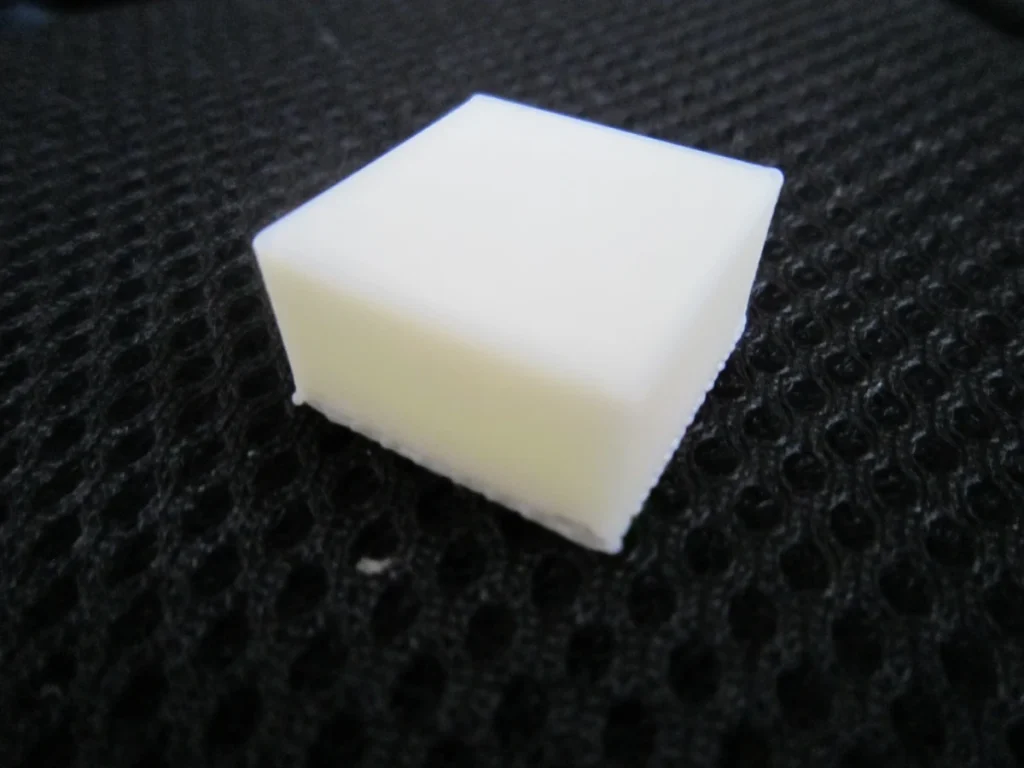
Before printing a large assembly, make a small section containing the actual joint, hole or lid edge. Position it on the build plate the same way you plan to print the full part, use the intended settings, then check it against the piece it must fit. Leave enough room in the design for the parts to go together.
For matching pieces, keep the exact color name and print a small color sample before committing. You shouldn’t count on a later spool matching perfectly; consistent shades across batches haven’t been established.
What eSUN PLA+ Can Handle As A Finished Part
“Stronger” needs a little unpacking. A model surviving a fall, a bracket resisting bending and a part holding together when pulled apart are different demands.
Impact resistance means surviving a sudden knock. It’s a sensible reason to consider a tougher PLA, but the available comparisons don’t establish a dependable drop-resistance improvement for current eSUN PLA+ over an identified ordinary PLA. Don’t turn the plus sign into a promise that thin fingers on a figurine won’t snap.
Stiffness means resisting bending. It’s different from the force needed to break something.
In the comparison using Bambu’s standard PLA settings, two bridge-shaped PLA+ test pieces broke at about 24 newtons of force, versus about 18 for PLA Basic. The report says print direction, wall count, interior fill and speed stayed the same, but omits their values and how many samples were tested. That result applies to those bridges; it doesn’t establish impact resistance, stiffness or a general strength percentage.
Pulling strength depends on layer bonding, too. Printed parts consist of stacked layers, and pulling those layers apart can be easier than pulling along them.
eSUN’s current manufacturer tests show lower pulling strength across layers than along them. Those samples used a Bambu P1S, a 0.4 mm nozzle and fully filled interiors; a hollow hobby print won’t necessarily behave the same way.
For a light indoor cover or a prop you pick up occasionally, PLA+ is a reasonable candidate. For a thin latch you’ll bend daily, those findings leave an unanswered question: how long will it last through repeated use? A single breaking test can’t answer that. Don’t choose it for a heavily loaded or repeatedly flexed part on the name alone.
Heat remains a firm limit. eSUN reports a heat distortion temperature of roughly 54°C: the sample bends by a specified amount under a test load as it heats up. That result doesn’t give a continuous-use temperature or a safe operating limit for every printed object. I wouldn’t choose it for a hot-car mount or a part beside a heat source.
The same data sheet lists no resistance to ultraviolet (UV) light from sunlight. For a permanent outdoor fitting, investigate a material with documented weather resistance rather than assuming PLA+ will hold up because it prints tough-looking parts.
Getting eSUN PLA+ Working On Your Printer
Start with a PLA+ preset for your exact printer and nozzle if one is available. A preset is the saved group of settings in your slicer, the software that turns a model into printer instructions. Otherwise, use your printer’s ordinary PLA preset and adjust it within eSUN’s guidance.
The current product page recommends a 210–230°C nozzle, a 45–60°C bed and 100% part-cooling fan speed. For a conventional heated plate intended to work in that range, 220°C at the nozzle and 55°C at the bed are reasonable starting choices. These are starting points, not tested universal settings. Follow your plate maker’s instructions if you use a surface that needs different treatment.
Keep the preset’s first-layer cooling behavior rather than forcing the fan to full power immediately. The first layer needs to stick; later layers need enough cooling to hold their shape.
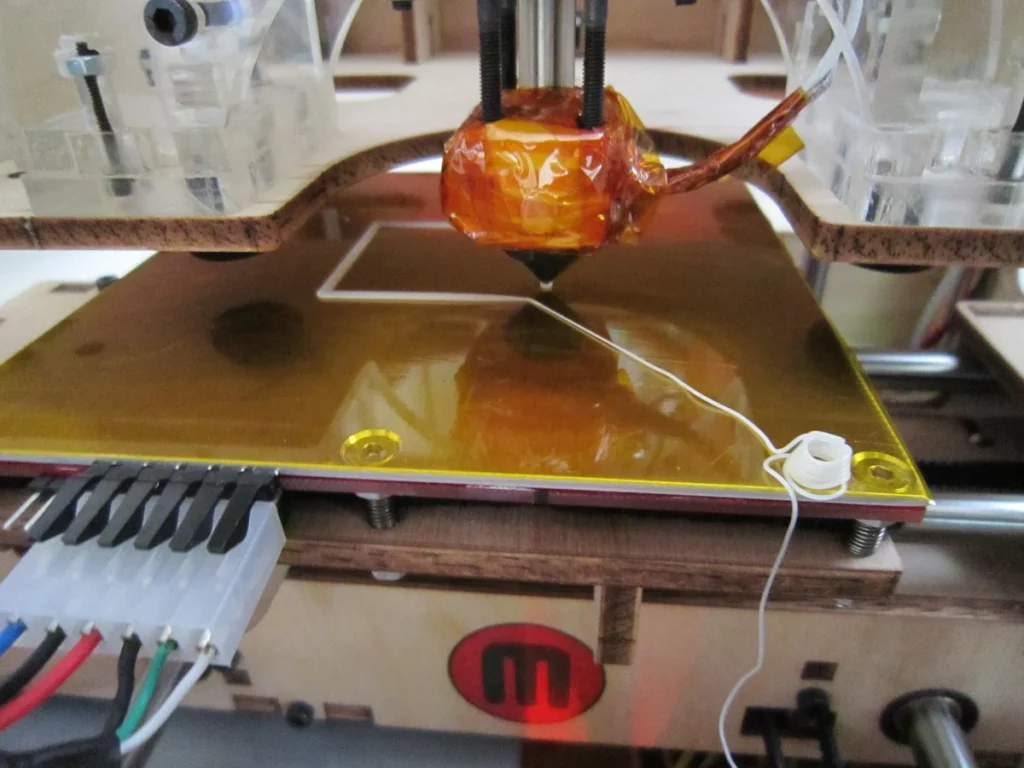
Print a small model before filling the build plate. If it has drooping overhangs—edges with little support beneath them—try a temperature test within the recommended range.
In the Ender 3 V2 Neo report, 225–230°C caused excessive drooping, while 210°C gave acceptable results across unsupported gaps. That doesn’t make 210°C best for a faster printer with different cooling.
Next, adjust retraction if stringing remains. Pulling the filament back briefly helps stop drips while the nozzle moves between printed areas.
Keep your printer preset as the starting point because retraction settings depend on how it feeds filament. A direct-drive printer feeds filament close to the nozzle, while a Bowden setup pushes it through a longer tube and commonly needs longer retractions. Don’t copy a Bowden printer’s retraction distance to a direct-drive machine.
Be cautious with the advertised printing speed. eSUN lists below 300 mm/s, but nozzle movement alone doesn’t describe how quickly the machine can melt this filament. Wider lines and thicker layers need more plastic at the same printing speed.
Your slicer may call the relevant limit maximum volumetric speed, measured in cubic millimeters per second (mm³/s). It caps how much plastic the printer is asked to melt each second; the slicer slows printing when it would exceed that limit.
Keep a conservative preset limit until you’ve checked the result. Gaps that appear when printing faster, feeder clicking or weaker layers are reasons to slow down and investigate.
Keeping eSUN PLA+ Dry And Feeding Smoothly
Store an opened spool in a sealed bag or box with desiccant, the moisture-absorbing packets often supplied with filament. This is straightforward upkeep, especially if you alternate between colors and leave each spool unused for weeks.
eSUN’s current drying guidance is 50°C for 8–12 hours. Use a dryer that can hold that temperature and follow any lower limit on the spool or equipment. A storage box with desiccant helps keep material dry; it doesn’t replace a controlled drying cycle for a wet spool.
Stringing or filament snapping isn’t enough to diagnose moisture by itself. Excessive nozzle temperature and unsuitable retraction can also cause stringing. If a dry spool still prints badly, check the settings and feed path instead of repeatedly drying it and expecting every problem to disappear.
Spool fit is a separate issue from filament compatibility. eSUN provides paper-spool adapters and a refill adapter for Bambu reusable spools. That doesn’t establish a universal fit for every package or automatic feeder.
For example, the Bambu AMS 2 Pro accepts spools 50–68 mm wide and 197–202 mm across. Bambu recommends plastic spools, or an adapter with cardboard to reduce slipping and debris. Check the assembled dimensions with any rings fitted. Those limits shouldn’t be applied to another feeder generation without checking its instructions.
The current PLA+ listing doesn’t provide a complete spool dimension drawing. If automatic feeding matters, confirm the exact package before buying several rolls.
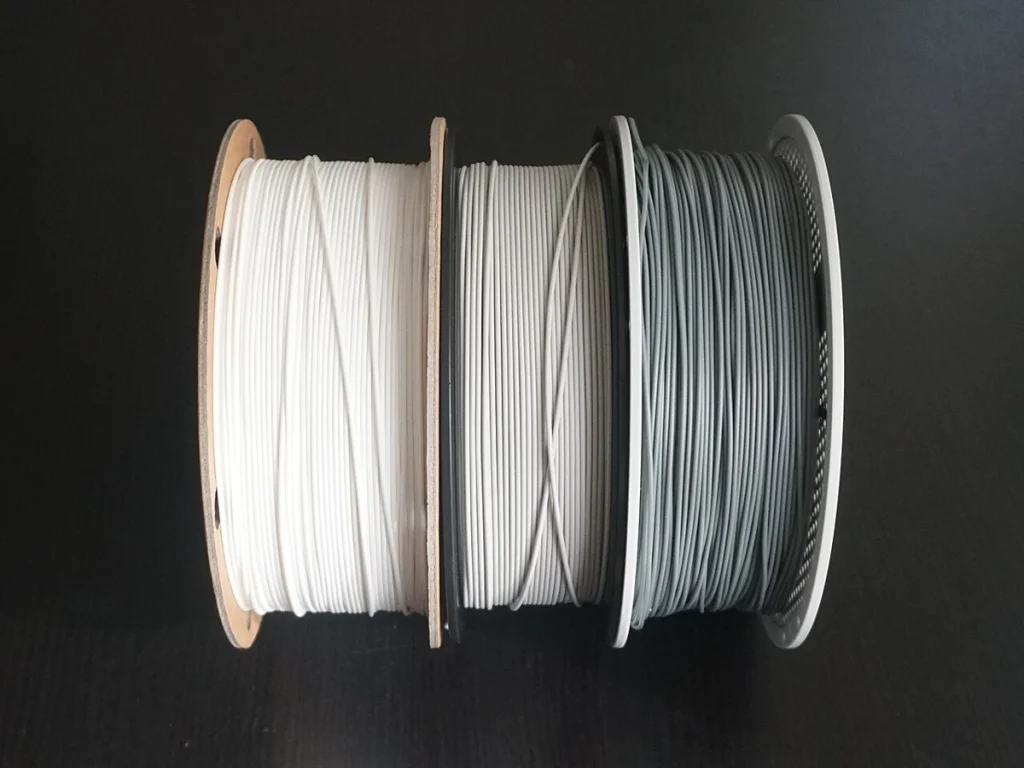
Reports don’t establish that winding faults are a recurring problem with current PLA+ spools. They don’t guarantee tangle-free feeding either.
When eSUN PLA+ Is Worth Buying
I’d start with one spool and a small setup print before buying several colors or rolls for a project. For a costume accessory or prototype cover, check both the finish and how the part holds up to the handling it will get. Don’t pay extra expecting PLA+ to outperform ordinary PLA under every kind of load.
I’d keep using ordinary PLA if you mostly print ornaments and it already looks good. Better breaking performance in a test shape may have no value for a model that sits on a shelf. You also avoid spending time adjusting a new material that doesn’t solve a problem you have.
Judge value against the actual equivalent you’d buy: the same amount of filament, a useful color and the spool format you need. A refill that requires another spool or an adapter adds effort and potentially cost. There’s no sound basis here for assuming eSUN PLA+ always costs more than ordinary PLA, or that it pays for itself through fewer failed prints.
For lasting outdoor use, investigate ASA, which is sold for UV and heat resistance. It needs higher printing temperatures and, especially for large parts, an enclosure to keep the surrounding air warm. That helps stop parts curling out of shape as they print. Check your printer’s ASA support and follow the material maker’s ventilation guidance before switching.
If your part needs to withstand heat, sustained weight or thousands of bends, choose a material with evidence for that job before deciding whether eSUN PLA+ is good value.


