eSUN TPU 95A Review
Less than premium NinjaTek Cheetah 95A per comparable spool
Our verdict
I’d choose eSUN TPU 95A for simple grips, bumpers and protective covers when there’s time for drying and trial prints. It costs less than premium Cheetah 95A, but careful feeding and cleanup can matter more than the saving on the spool.
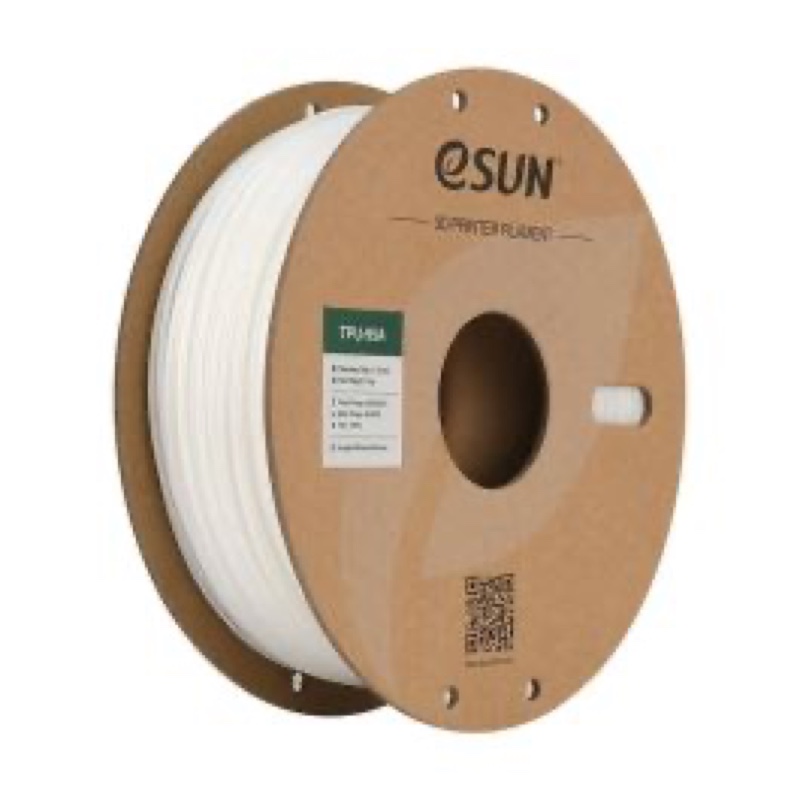
Best atSimple flexible utility parts with accessible surfaces and little support removal.
Less suited toIntricate parts with enclosed supports, or jobs that depend on automatic spool feeding.
The Key Specs
| Hardness | Shore 95A TPUA firm flexible material; walls and infill determine how easily the finished part bends or compresses. |
|---|---|
| Spool format | 1.75 mm · 1 kgCheck that you are ordering ordinary TPU-95A, also called eTPU-95A. |
| Feeding | Direct drive recommendedKeep the feed path free of tight bends; Bowden printers need slower trials and more tuning. |
| Print temperatures | 220–250°C nozzle · 45–60°C bedManufacturer ranges; use your printer’s flexible-filament profile and check a small print first. |
| Moisture handling | Drying and sealed storageAllow time for heated drying; desiccant helps preserve a dry spool but does not replace drying wet filament. |
Budget For Drying And Storage. Allow for a suitable filament dryer, a sealed storage container and desiccant. Add a glue-stick separation layer where your build plate requires it, plus material for trial prints and time for cleanup.
More Material And Handling Details
| Grade choice | TPU-HS, foaming TPU and other specialty grades need their own settings; they are not interchangeable with ordinary TPU-95A. |
|---|---|
| Print speed | The November 2021 technical sheet gives 20–50 mm/s with a 0.4 mm nozzle; try 20 mm/s or slower on Bowden machines. The product page also lists below 100 mm/s, without reconciling the ranges. Start slowly. |
| Drying guidance | eSUN lists 55°C for more than four hours, but its general notes say 60°C for more than eight hours after extended storage. Follow the exact spool’s instructions and reel temperature limit; ask eSUN if these are unclear. |
| Cooling | eSUN specifies 100% print fan; retain any first-layer exception in your printer’s profile. |
| Automatic feeders | Ordinary TPU 95A is not an AMS-specific filament. Bambu’s AMS 2 Pro does not support generic TPU for printing; use the printer’s documented external-spool route. |
| Long-term loading | The available specifications do not establish a repeated-bending lifespan or recovery after prolonged squeezing. |
I’d consider eSUN TPU 95A if you want to print a flexible grip, a small bumper or a protective cover and you’re willing to dry the filament and tune your printer. I’d start with a simple shape that needs little cleanup. Its biggest drawback is the preparation: getting soft filament through the printer reliably takes more care than loading an ordinary rigid plastic.
It’s a less convincing choice for intricate parts that need temporary printed supports in hard-to-reach places, or jobs that depend on automatic spool feeding. If you want something that feels like soft foam, the 95A label alone won’t promise that.
How eSUN TPU 95A Could Suit Your Parts
TPU stands for thermoplastic polyurethane, a plastic you can melt and print into flexible parts. Ordinary eSUN TPU-95A is sold to US buyers in 1.75 mm diameter on 1 kg spools. You’ll also see it called eTPU-95A in its technical sheet. Check the full product name when ordering: TPU-HS, foaming TPU and other specialty versions need their own settings and aren’t interchangeable with ordinary 95A.
The 95A rating describes hardness on the Shore A scale. It measures how much the material resists being pressed into by a test instrument. A higher number means a harder material on that scale; 95A is toward its firm end. It doesn’t tell you how easily an entire printed object will bend.
Your design makes a big difference. A thin grip sleeve can bend around a handle, while a thick, nearly solid bumper will resist squeezing.
Infill—the pattern printed inside a part—also matters. More infill generally makes a TPU part harder to compress. Wall thickness and the number of solid top and bottom layers affect its give, too.
For a grip, start by printing a short section with the wall thickness you intend to use. Check whether it slides into place and feels right in your hand before committing to the full piece. A small sample of the actual shape tells you more than squeezing the loose filament.
Don’t read 95A as a cushioning or load rating. It doesn’t establish how much impact a bumper absorbs or whether a foot stays compressed after carrying weight for weeks.
Check Whether Your Printer Can Feed eSUN TPU 95A
A direct-drive printer is the easier starting point. Its feeding gears sit close to the heated nozzle, leaving less distance for soft filament to compress or buckle. eSUN recommends this arrangement for ordinary TPU 95A.
A Bowden printer places those gears farther away and pushes filament through a tube. That makes flexible material harder to control, but it doesn’t mean every Bowden setup will fail. eSUN’s technical sheet suggests trying 20 mm/s or slower on these machines. If your printer’s manufacturer supports TPU, allow time for a few small test prints before attempting a long one.
Check the route from spool to nozzle as well. The spool should turn freely, and the filament shouldn’t have to pull around tight bends. A gap near the feeding gears gives it somewhere to bend sideways.
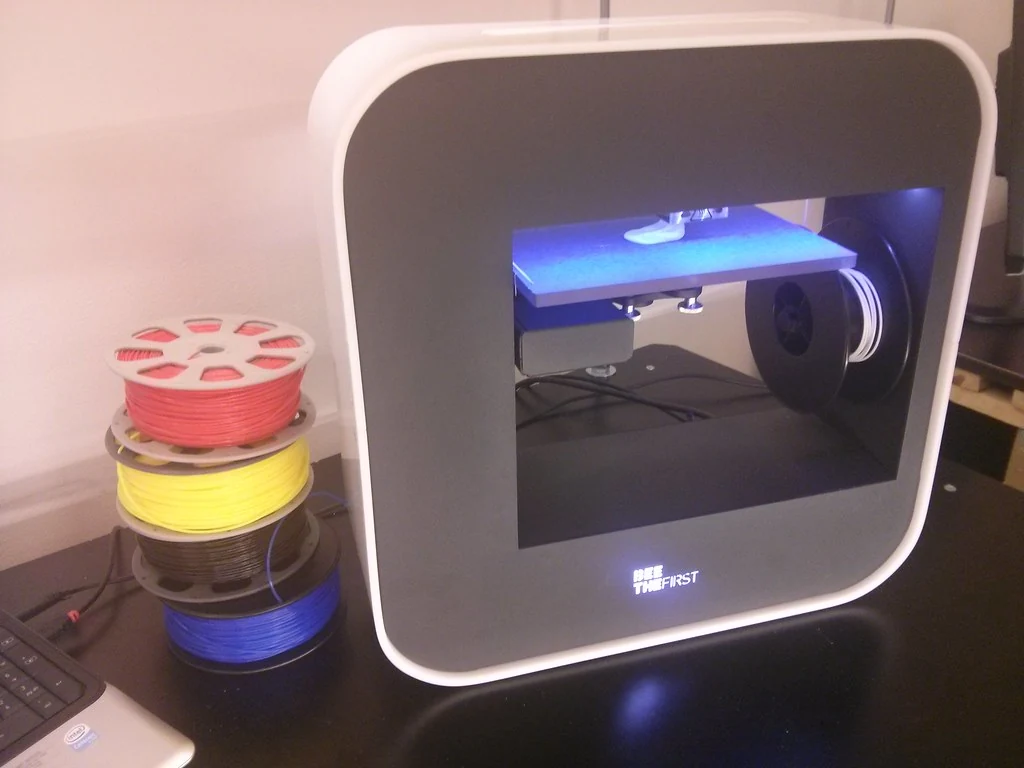
Tightening the gears harder isn’t always the answer: too much pressure can squash flexible filament. Follow your printer’s instructions for adjusting that pressure.
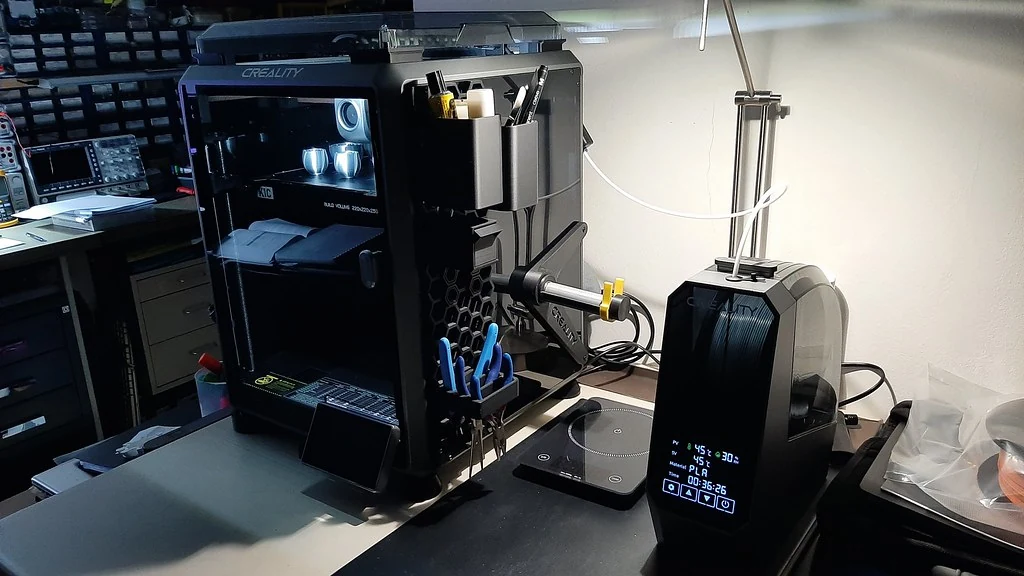
Automatic feeders need a separate compatibility check. For example, Bambu lists generic TPU as unsupported for printing through the AMS 2 Pro. Ordinary eSUN TPU 95A falls into that category; its hardness label doesn’t make it an AMS-specific filament.
Use your printer’s documented external-spool route instead. If automatic loading or spool changes are essential, choose a material explicitly approved for that feeder.
A printer that handles rigid filament well can still need these changes. Before buying, make sure you’re comfortable with the loading route and any required adjustment to the feeding mechanism.
Drying And Settings For Your eSUN TPU 95A Spool
Plan on drying this filament. TPU absorbs moisture, which can contribute to rough surfaces and strings between printed features. A sealed box with moisture-absorbing desiccant helps keep dried filament dry; it isn’t a substitute for a heated drying cycle when the spool has already absorbed water.
eSUN’s linked November 2021 technical sheet specifies 55°C for more than four hours, and the product page repeats that instruction. However, the same page’s general notes recommend 60°C for more than eight hours after extended storage. These are different instructions, and eSUN doesn’t explain precisely when to switch between them.
Use the instructions supplied for your exact spool and check its reel’s temperature limit. If those match the 55°C guidance, follow that schedule. If the label conflicts or the reel’s limit is unclear, ask eSUN to confirm a safe drying temperature; neither document gives a limit for every reel. Follow your dryer’s instructions, including how to let damp air escape.
For printing, the technical sheet gives a 220–250°C nozzle range, 45–60°C bed and 20–50 mm/s speed, based on a 0.4 mm nozzle. An initial trial at 220°C, a 50°C bed and 20 mm/s stays within those ranges; it’s a starting point, not a tested recipe for every printer.
The same ordinary TPU-95A product page lists below 100 mm/s as a high-speed printing parameter, while still recommending slow printing. It doesn’t explain how that relates to the older sheet’s range. I’d start with the slower trial above and increase speed only if feeding and print quality remain consistent.
Retraction pulls filament back briefly to reduce drips during moves between features. Start with your printer’s flexible-filament profile, which provides preset printing settings, then tune retraction on a small print. Keep retraction modest: pulling flexible filament back too far can contribute to tangles or nozzle clogs.
For cooling, eSUN specifies 100% print fan. Cooling helps newly laid plastic set before unsupported sections sag, but too much can weaken the bond between layers. Keep any first-layer cooling exception in your printer’s profile so the print can stick to the bed, and check a small sample before committing to the whole part.
Check bed-release instructions before printing. TPU can grip some surfaces too strongly. Prusa specifies a separation layer, such as glue stick, on its smooth and satin sheets; its textured sheet doesn’t require one for TPU. Follow the guidance for your particular plate rather than assuming every textured surface behaves the same.
Change one setting at a time so you can tell what helped.
What To Expect From Finished eSUN TPU 95A Prints
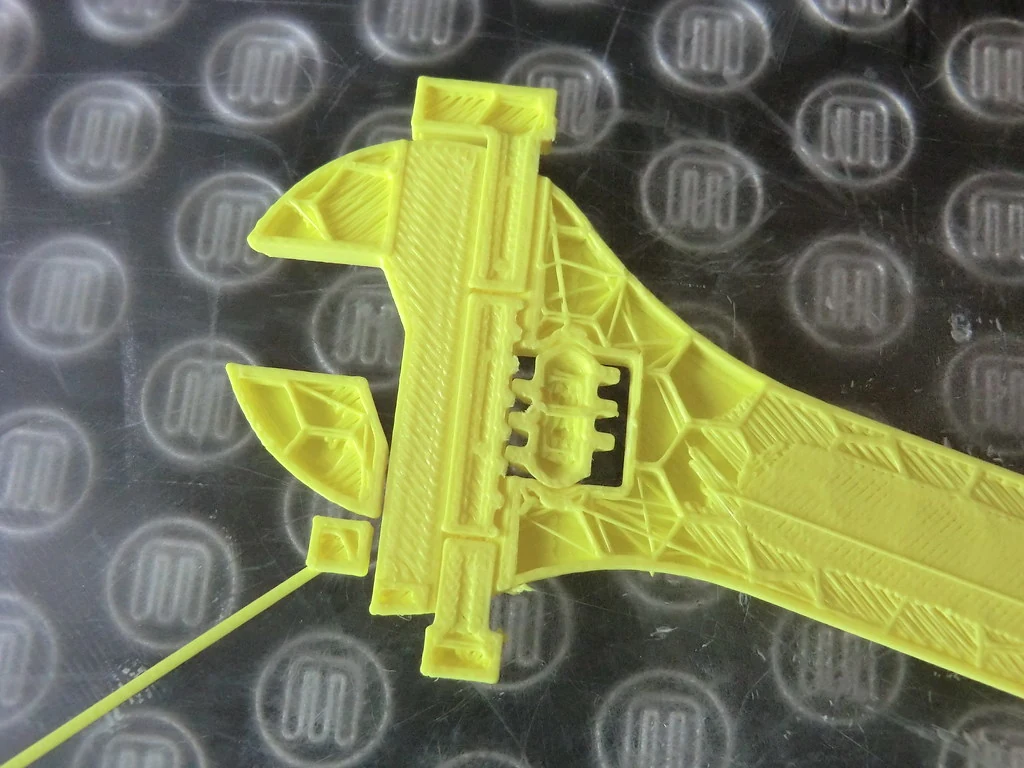
Stringing and rough overhangs deserve more attention than the promise of easy printing. Strings are fine strands left between separate features; overhangs extend beyond the layer beneath them. Both can leave you with a usable part that still needs cleanup.
In one owner report, eSUN TPU 95A produced generally good results on a Prusa MK3S+ fitted with a Mosquito hotend, the heated assembly that melts the filament. However, overhangs looked rough and removing supports could damage the surface. That setup used a 0.4 mm nozzle and temperatures below eSUN’s recommended nozzle range after the first layer. Don’t assume those settings will suit an unmodified printer.
Another owner in the same discussion, using an unmodified MK3S+ and 0.4 mm nozzle, reported fewer blobs, or unwanted lumps of plastic, after several preparation and settings changes. Some stringing remained. With several things changing together, it’s unclear which adjustment helped most.
Those experiences make cleanup worth planning for, though they don’t mean every print will be stringy. Test the difficult features of your own model before filling the bed with copies. That gives you a chance to fix a rough edge once, before it appears on a whole batch.
eSUN recommends supports beneath overhangs and bridges, where the printer lays material across an open gap. That addresses sagging during printing.
The difficulty comes afterward, when you have to separate the support from a flexible object. A support trapped inside a cover may be much harder to reach than one beneath an exposed edge.
I’d favor a flat-bottomed bumper or an open sleeve over a detailed shape with enclosed supports. Try rotating the model to reduce unsupported areas, and print a small section if support contact will fall on a visible face.
Is eSUN TPU 95A Worth Buying For Your Project?
I’d buy ordinary eSUN TPU 95A for simple flexible utility parts when the printer has a suitable feeding route and there’s time for drying and trial prints. It’s also a reasonable first TPU if learning those steps is part of the project. A short grip or small cover gives you something useful to tune around.
eSUN also costs less than premium NinjaTek Cheetah 95A when comparing the manufacturers’ US listings for 1.75 mm, 1 kg spools. That makes it easier to justify for experiments, although the cheaper spool won’t necessarily mean cheaper finished parts. If you’re making parts to sell, include drying, failed attempts and cleanup in your costs.
For a firmer grip that still bends, I’d try thicker walls or more infill before buying another material. Print a short section again to check the fit and feel.
If you need a much softer feel, look at an 85A or 90A TPU, while allowing for more difficult feeding. If the part must hold its shape with little bending, a rigid material such as PLA or PETG makes more sense, subject to the part’s heat and load requirements.
A TPU grade designed for faster printing is the closer alternative when print time matters most. Choose one with a profile for your printer rather than assuming ordinary 95A can use its speeds.
Skip eSUN TPU 95A if you need a known lifespan under repeated bending, or proof that the part will recover after prolonged squeezing. Its available specifications don’t establish those things. For an everyday part you can print, fit and check yourself, it’s a sensible choice if you’re willing to do the preparation.


