Bambu TPU 95A HF Review
Slightly more per kilogram than Bambu TPU for AMS.
Our verdict
I see it as a useful choice for repeated flexible cases, grips and pads when ordinary TPU jobs take too long. Start with one spool and a representative part: drying, external feeding and the shape you print determine whether HF saves useful time.
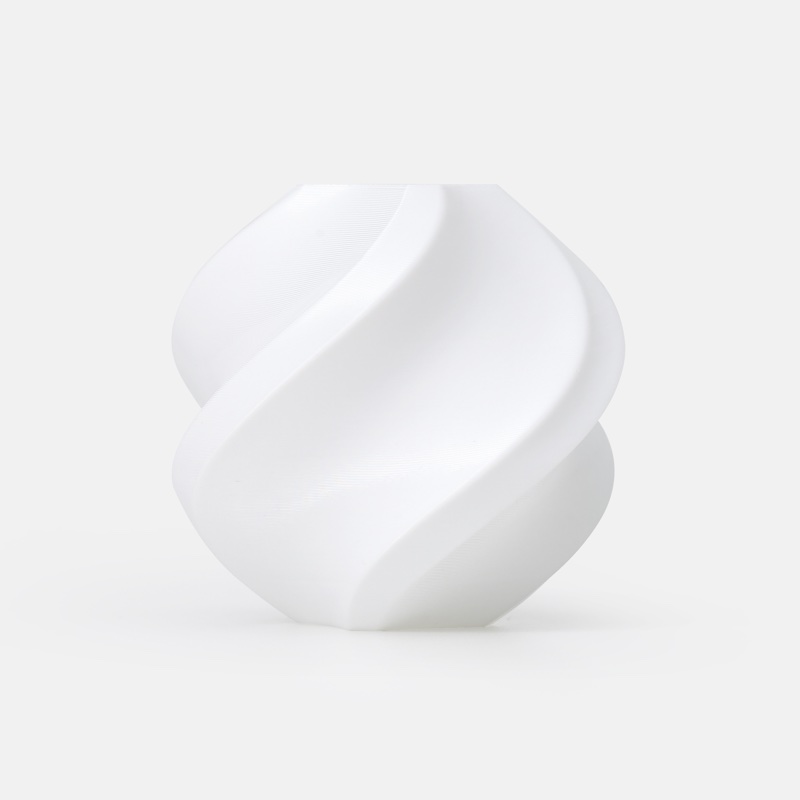
Best atRepeated flexible parts where shorter print times would make a practical difference.
Less suited toAutomatic material changes, very soft cushioning or rigid parts.
The Key Specs
| Feel | Shore 95A TPUExpect firm rubber; walls and infill change how easily the finished part bends. |
|---|---|
| Flow advantage | 12 mm³/s in Bambu’s comparison at 230°CHigher flow can shorten TPU jobs, but does not guarantee three-times-faster finished parts. |
| Feeding | Use the printer’s external spool routeOriginal AMS, AMS lite and AMS 2 Pro do not automatically feed this grade. |
| Drying | 70°C for eight hours in a forced-air drying ovenPlan to dry even a newly opened spool; desiccant alone does not replace drying. |
| Nozzle sizes | 0.4, 0.6 or 0.8 mm on supported setupsA compatible standard 0.4 mm nozzle is a sensible start; 0.2 mm is excluded. |
| Build plate | Glue on smooth or textured PEIThe glue acts as a separating layer. Let the plate cool before releasing the part. |
Budget For Drying And Storage. Allow for suitable drying equipment if you do not own it, sealed storage with desiccant, plate glue and material for setup samples. A suitable dry box can limit moisture exposure during long prints.
More Material And Handling Details
| Diameter / packaging | 1.75 mm filament; 1 kg with a reusable high-temperature spool. |
|---|---|
| Storage | Keep sealed with desiccant; Bambu recommends below 20% relative humidity during storage and printing. |
| Starting profile | Select Bambu TPU 95A HF for your printer and installed nozzle. The P1S profile starts at 230°C with a 12 mm³/s flow cap. |
| AMS HT exception | Manual feeding through the bypass outlet; no automatic loading, unloading or color changes for this grade. |
| Plate compatibility | Cool Plate SuperTack is not recommended. Follow your printer and plate profile for bed temperature. |
| Other TPU choices | Keep a reliable ordinary TPU for occasional jobs. TPU for AMS is a different, harder 68D grade to consider when supported automatic feeding matters more than softness. |
I’d consider Bambu TPU 95A HF if you print flexible cases, grips or pads often enough that slow TPU jobs are getting frustrating. I’d choose it for the chance to finish those parts sooner, provided you can dry the spool properly and feed it outside an automatic material system. If your usual TPU already makes the parts you want overnight, there’s less reason to switch.
The tradeoff is preparation: HF means “high flow,” but it doesn’t mean you can skip drying or use your usual rigid-plastic settings. Bambu’s three-times-faster claim describes its own comparison, while reported prints show that moisture, settings and the shape you’re printing still matter. The time savings will depend on your part.
Can Your Printer Feed TPU 95A HF?
TPU is thermoplastic polyurethane, a plastic that makes rubberlike, flexible parts. That flexibility also makes the filament harder to push through a long feeding path. Bambu TPU 95A HF uses standard 1.75 mm filament, but having the right filament diameter doesn’t establish printer compatibility.
Bambu supplies settings for this filament for printers including the A1 and P1S, with 0.4, 0.6 and 0.8 mm nozzles. A standard compatible 0.4 mm nozzle is a sensible starting point; HF describes the filament and doesn’t require you to buy a special high-flow hotend (heated nozzle assembly). Bambu’s supported sizes exclude 0.2 mm.
Use the external spool route specified for your printer. TPU 95A HF isn’t supported through the automatic feeding systems in the original AMS, AMS lite or AMS 2 Pro.
The AMS HT has a useful exception: you can feed soft TPU manually through its bypass outlet. That bypass doesn’t give this grade automatic loading, unloading or color changes.
On newer printers, the inlet and selected extruder—the mechanism that feeds filament into the nozzle—matter too. The X2D manual, for example, directs 95A HF through the main extruder’s filament inlet and allows it only in the main nozzle. Check the permitted nozzle as well as the loading route on a dual-nozzle printer.
If automatic feeding is essential, investigate TPU for AMS instead. It’s a different, much harder grade rated 68D. The A and D labels refer to different hardness scales, so the lower number doesn’t mean it’s softer. Check that product’s compatibility with your particular AMS model before buying.
How TPU 95A HF Parts Feel And Hold Their Shape
Think firm rubber rather than a soft sponge. The 95A label refers to Shore hardness, which measures how hard it is to press into a material’s surface. It doesn’t tell you exactly how easily a finished case will bend or a pad will squash.
An owner comparison of printed airless tennis balls found Bambu’s HF material somewhat stiffer than the owner’s generic 95A TPU, but substantially easier to squash than the tested Overture high-speed TPU. That’s an informal feel comparison, not a hardness measurement or a reason to rank every spool carrying those labels.
Your design changes the feel considerably. More walls and more infill—the internal pattern supporting the outer shell—usually make a part harder to squeeze. Thinner walls and less infill allow more movement. A thick, nearly solid pad can feel quite firm even though a thin strip from the same spool bends easily.
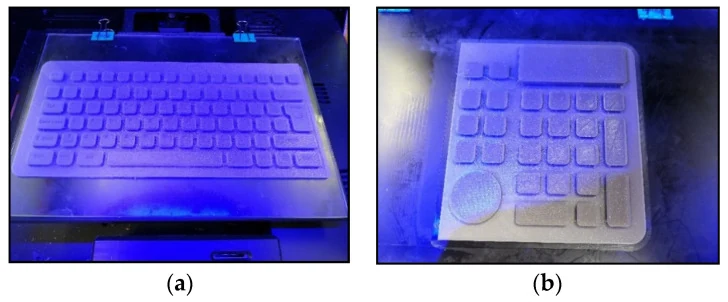
For a case, print a small section around a corner or button first. For a grip or foot pad, check it against the surface it will touch. A rubberlike feel alone doesn’t establish how well it resists sliding on your desk or tool handle.
Surface quality can need work. In a reported Creality Sparkx i7 test, an externally fed lid printed at 230°C, 0.2 mm layers and a 6 mm³/s flow limit had good elasticity but light stringing and visible seams. Stringing is the fine strands of plastic left between printed features. The spool hadn’t been dried since opening, so those flaws don’t establish its best possible finish.
Bambu’s material tests show different strengths across and along layers, using solid samples treated with heat before testing. How you position the part for printing therefore matters when it will bend or stretch.
Those results don’t tell you how many times it can flex, whether a loaded pad will stay flattened or how well a case protects against drops. Test the actual shape before making a batch.
How Much Printing Time Can HF Save?
Bambu’s comparison gives standard TPU 95A a maximum volumetric speed of 3.6 mm³/s and TPU 95A HF 12 mm³/s, both at 230°C. It pairs those figures with printing speeds of 44 and 147 mm/s. That’s the basis for the advertised threefold advantage.
Volumetric speed means how much melted plastic the nozzle deposits each second. The maximum volumetric speed setting in your filament profile—the material’s preset group of settings—limits that flow. It’s different from how fast the nozzle moves, and different again from how long your whole print takes.
Wider lines and thicker layers need more plastic at the same movement speed. Travel moves, when the nozzle moves between printed areas without laying down plastic, deposit none.
A higher flow limit helps when the printer would otherwise have to slow down to keep plastic flowing. It won’t shorten heating and preparation, and it may offer less benefit on small details where the printer slows for corners or cooling. Increasing the travel-speed setting alone doesn’t unlock HF’s advantage.
Owner results suggest worthwhile gains are possible, but they need careful reading. One comparison using a 0.20 mm layer profile reported a large cushion taking three hours with HF instead of five with older Bambu TPU. The owner initially limited HF to 5 mm³/s because quality deteriorated above that, then later reported that further drying resolved the high-flow problem.
The correction matters: that initial result isn’t proof that HF tops out at 5 mm³/s. Nor does it establish a repeatable threefold gain. The account lacks a complete matched record of printer, nozzle, drying procedure, final settings and repeat failures.
Another owner in the same discussion reported reaching 12 mm³/s with a 0.4 mm nozzle and 0.28 mm layers, under different conditions.
Compare the same model at the quality you need. Check the estimated time in your slicer, the software that prepares models for printing, then record actual completion time, cleanup and failed attempts. HF earns its place when it makes acceptable parts sooner; a fast print with gaps or layers that pull apart hasn’t saved you anything.
Drying And Settings For TPU 95A HF
Plan to dry this filament before printing, including a newly opened spool. Bambu specifies 70°C for eight hours in a forced-air drying oven. Choose equipment that can maintain the required temperature and circulate air. Desiccant, such as moisture-absorbing silica gel, helps keep a sealed storage box dry but doesn’t replace that drying step.
Bambu’s technical sheet also gives an X1-series heatbed drying method, but it’s a different procedure with a longer cycle. Don’t transfer an enclosed-printer drying recipe to an open A1. The sheet explicitly excludes kitchen ovens and microwaves. If you don’t have suitable drying equipment, account for that before choosing this spool.
After drying, keep it sealed with desiccant. Bambu recommends below 20% relative humidity during storage and printing. For a long job, feeding from a suitable dry box reduces exposure.
Make sure the spool turns freely and the tube has gentle bends: the extruder shouldn’t have to stretch the filament while pulling it toward the nozzle.
In Bambu Studio, select your printer, installed nozzle and Bambu TPU 95A HF filament profile. Start with that printer’s settings. For example, the official P1S profile uses 230°C and a 12 mm³/s flow cap. These are starting values, not proof that every model will print cleanly at the cap.
Bed temperature controls how warm the surface beneath your print gets. The filament sheet lists 30–35°C with glue, while the A1 profile sets smooth and textured PEI plates to 45°C. PEI is the material covering those build plates, which are the surfaces you print on. Use the profile and plate guidance for your setup rather than copying one temperature across printers.
Bambu recommends glue with TPU on both PEI surfaces. The glue forms a separating layer so the TPU doesn’t bond too strongly to the plate. Cool Plate SuperTack isn’t a recommended surface for this grade.
Let the plate cool before removing the part. Release it gently rather than pulling hard on a warm, stretchy print that’s still bonded to the surface.
If strings appear between separate features, work through a short sequence:
- Confirm the drying cycle and check that the spool feeds freely. Strings alone don’t prove moisture is the cause.
- Print a small sample with the correct profile. If extrusion has gaps, reduce the flow limit and inspect the feed path before chasing stringing settings.
- With steady extrusion, adjust temperature within Bambu’s 220–240°C range, then test small retraction changes one at a time. Retraction pulls filament back between printed sections to reduce oozing, but pulling soft filament back too far can lead to tangles or clogs. Don’t copy a large increase from an unrelated setup.
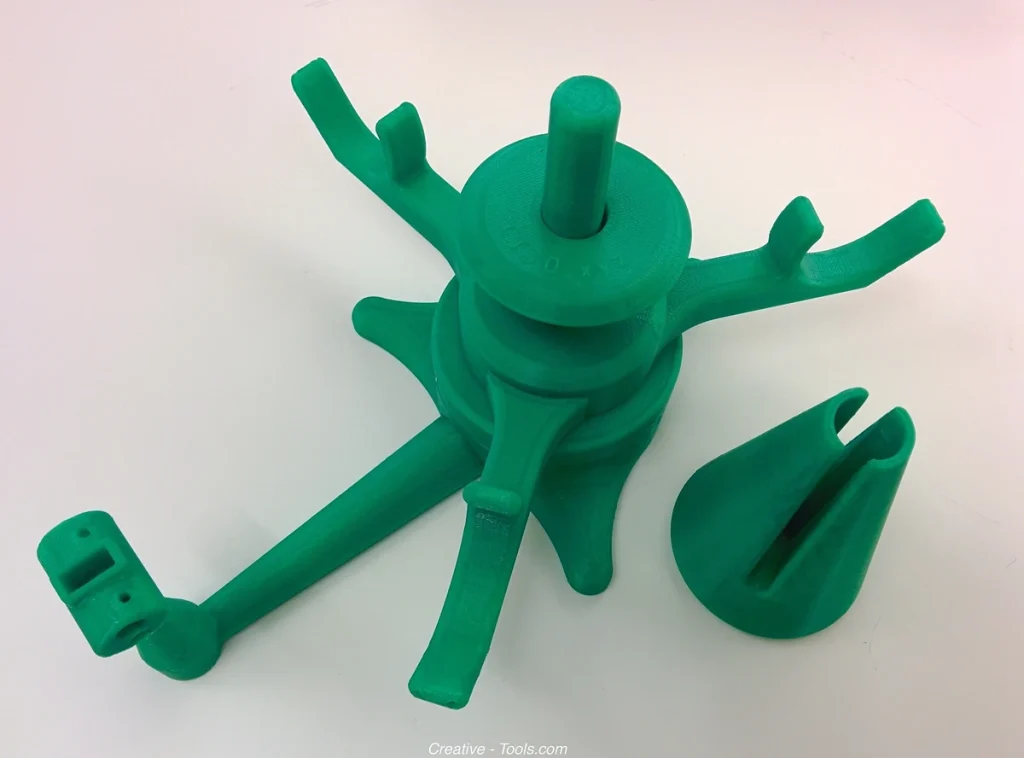
Keep the successful settings with that model so you don’t have to repeat the work.
Is TPU 95A HF Worth The Extra Effort?
TPU 95A HF makes the most sense for repeated flexible prints when waiting for the next batch is the remaining problem. Confirm that the part fits, flexes correctly and prints reliably before deciding whether any time saving justifies switching.
For occasional pads or one-off cases, ordinary TPU remains a sensible choice. If you already have a spool that gives you the right feel and a dependable result, keep using it unless the printing time bothers you. Switching materials means checking fit and flexibility again, even when both say 95A.
Which TPU costs less to use will depend on what you print. Compare the same spool weights when you shop, then consider how much material you’ll use and whether you need drying equipment. Don’t budget around making three times as many parts: the available comparisons don’t establish that gain or show which material lasts longer in use.
Choose TPU for AMS when supported automatic feeding matters more than a soft feel. If you need something much easier to compress, investigate a softer TPU and its feeding requirements. If the part needs to remain rigid, this flexible grade solves the wrong problem.
My recommendation is to start with one spool and one representative part. Keep TPU 95A HF if it gives you the flexibility you need and finishes that part sooner without extra cleanup or failures.


