SUNLU PLA Review
Budget · Standard PLA generally costs less than PLA+
Our verdict
I’d choose one spool of standard SUNLU PLA for affordable indoor display models, organizers and early prototypes. Leave time to adjust the profile for the material and color before committing to a large print or bulk order.
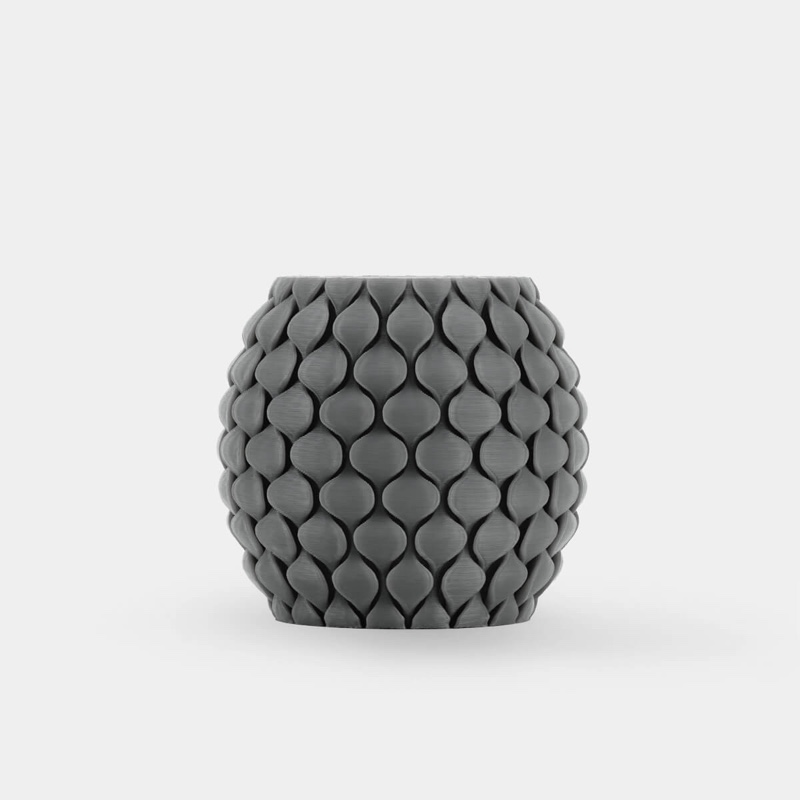
Best atBudget decorative prints, desk storage and prototypes used to check shape and fit.
Less suited toUrgent large display prints without a trial spool, hot surroundings and parts whose failure could cause damage.
The Key Specs
| Material | Standard PLALook for a label that says PLA; PLA+, PLA+ 2.0, Meta and specialty finishes are separate formulations. |
|---|---|
| Common US spool | 1 kg · 1.75 mm filamentCheck your printer’s filament diameter and whether the purchase includes a spool. |
| Starting nozzle range | SUNLU: 200–210°C at 50–100 mm/sStart with your printer’s PLA profile and spool label; 205°C is a trial setting, not a universal optimum. |
| Build plate | 50–60°C on the product page; 60–70°C for textured PEI in the technical sheetFollow the instructions for your plate and printer; 60°C overlaps both ranges where those instructions allow it. |
| Spool fit | Holder and feeder compatibility need a separate checkMatch the outside diameter, width and center opening; filament diameter alone does not establish spool fit. |
Which Material And Pack Should You Buy?
- One standard-PLA spool
- I’d start here for indoor models and try the exact color before buying more.
- Refill
- Choose only if you already have a compatible reusable spool; check what the listing includes.
- Bulk pack
- Choose after a small print confirms the finish and fit you need on your printer. Compare equal weights and quantities.
- PLA+ instead
- Consider the higher-cost formulation for frequently handled pieces. SUNLU’s laboratory data suggest better impact resistance, but this is not a heat-resistant upgrade or a guarantee for your part.
Allow For Storage And Trial Prints. Allow for a sealable storage bag or container and desiccant, plus filament used for small trial prints and settings adjustments. A refill needs a compatible reusable spool. Failed prints and cleanup time can erase the saving on a cheaper roll.
More Handling And Compatibility Details
| Automatic feeders | SUNLU says its third-generation reusable spool works with Bambu Lab AMS and AMS Lite. Confirm the spool version before ordering. |
|---|---|
| Profile adjustments | For stringing, compare small prints while changing one setting at a time. Begin retraction adjustments from the printer preset; calibrate flow for excess plastic on top surfaces. |
| Opened spool storage | Store sealed with desiccant. Stringing alone does not establish that moisture is the cause or that drying will fix it. |
| Heat and load limits | PLA+ is not a heat-resistant upgrade here. For hot surroundings or consequential loads, choose a material with test evidence matching the job. |
I’d try standard SUNLU PLA for decorative models, desk organizers and early prototypes if you’re happy to make a few small settings adjustments. I’d start with one spool. Its appeal is affordable everyday printing; the main drawback is that reported results don’t support expecting every color to print cleanly with your usual settings.
PLA, short for polylactic acid, is a plastic used in 3D printing. Look for a spool labeled simply PLA. SUNLU also sells PLA+, PLA+ 2.0, Meta and specialty finishes, which are separate products. A good result with one doesn’t establish how the others behave.
For a model that will sit on a shelf, standard PLA is a sensible starting choice. For something you’ll regularly knock or drop, PLA+ deserves consideration. Neither gets a confident recommendation here for hot surroundings or parts whose failure could cause damage.
What Standard SUNLU PLA Is Suited To
Think display figures, small storage trays and models you print to check a design’s shape. SUNLU positions its ordinary PLA for decorative objects and similar uses. That makes more sense than buying it on the assumption that “easy to print” also means strong enough for any household repair.
A prototype can be useful without carrying much weight. You might print a case to see whether your components fit, then choose the final material after deciding how warm it will get and what it needs to withstand. Getting the shape right doesn’t prove that the finished part can handle those demands.
SUNLU’s store offers standard PLA to US buyers in 1kg rolls of 1.75mm filament—the plastic strand fed into the printer. Check that your printer takes that diameter; a printer designed for 2.85mm filament needs a different purchase. Also check whether you’re ordering a complete spool or a refill that needs a compatible reusable spool.
Filament size and spool fit are separate checks. SUNLU says its third-generation reusable spool works with Bambu Lab’s AMS and AMS Lite automatic filament feeders. If you use either system, confirm that spool version rather than assuming every SUNLU roll is identical.
For another holder or feeder, check the spool’s outside diameter, width and center opening against its requirements.
What To Expect From SUNLU PLA Prints
Reported print quality is mixed enough that I’d leave room for adjustment, but not dismiss standard SUNLU PLA outright.
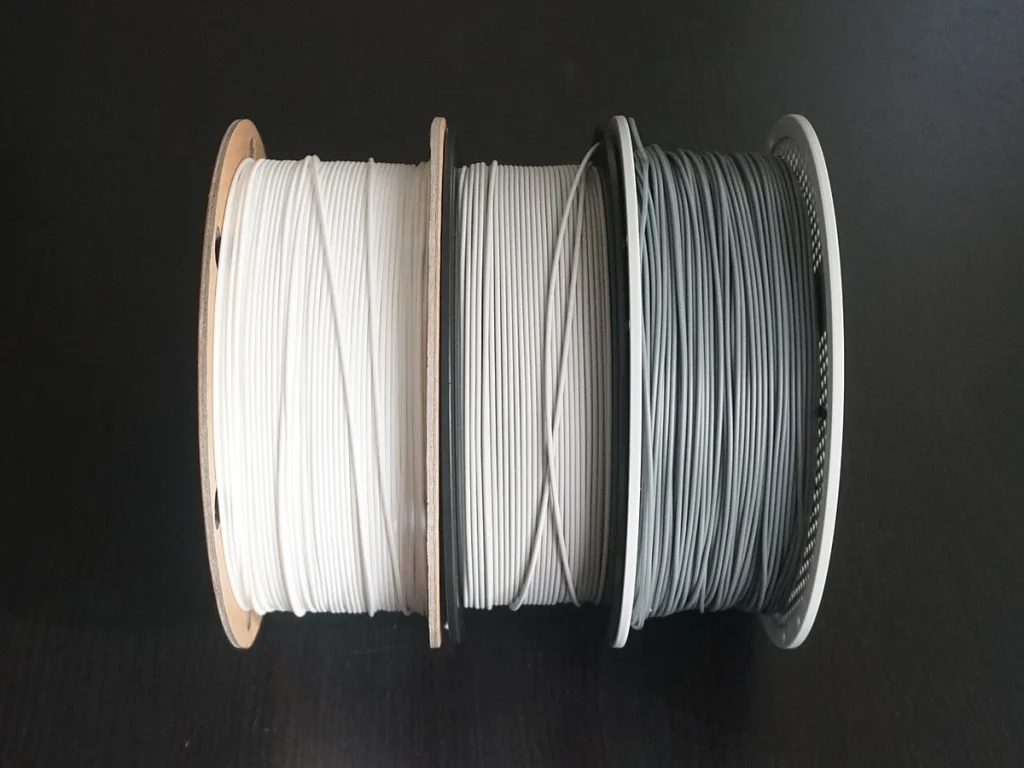
One hands-on report compared supplied white standard PLA with grey PLA+. The white sample left thin strands between features, called stringing, and showed over-extrusion, meaning too much plastic was being deposited. It also gripped the print surface less firmly than the grey PLA+. The report describes persistent trouble getting standard PLA to stick to a glass bed on one printer, despite temperature changes.
The grey PLA+ printed successfully on an Elegoo Neptune 3 Pro, but the white PLA’s complete setup wasn’t documented. Different colors and incomplete settings make this a warning about possible setup effort, not proof that all standard SUNLU PLA prints worse than PLA+.
The same report found no tangling or unwinding problems with its samples; that doesn’t establish consistency across other spools.
There’s favorable experience too. Another account describes satisfactory results across more than 50kg of SUNLU material. That total includes PLA and two other plastics, PETG and ABS, so it isn’t a 50kg test of standard PLA. Its specific guidance for regular PLA was 190–215°C, depending on the printer, the thickness of each printed layer and the printing speed.
An older, separate test of DJ White standard PLA on an Anycubic i3 Mega reported clean surfaces, no noticeable stringing and good adhesion to the print bed at a 200°C nozzle and 60°C bed. That sample was bought in 2018, so it demonstrates what that spool achieved, not what a current batch will necessarily do.
Small printed clip holes also came out too tight, a useful reminder to check fit before committing to a larger assembly.
For your first roll, print a small version of something you actually want to make. Inspect the visible surfaces and any holes or joins. If strings or rough patches would mean lots of cleanup on your intended model, judge the spool on that work rather than on a simple cube alone.
Where To Start With SUNLU PLA Settings
Start with the PLA profile, or saved group of settings, for your printer in the slicer. That’s the software that turns a model into printing instructions. Check the spool label before changing temperatures.
SUNLU’s current standard-PLA guidance pairs a 200–210°C nozzle with 50–100mm/s printing. Within those conditions, 205°C is a reasonable first temperature to try, not a proven best setting for every printer.
Bed temperature needs more care. The bed, or build plate, is the surface the printer builds your model on. The product page gives 50–60°C, while SUNLU’s linked PLA technical sheet specifies 60–70°C for a textured PEI build plate. PEI is a common print-surface coating.
Use the recommendation for your particular plate and printer; where their instructions allow it, 60°C falls within both SUNLU ranges. Don’t turn every bed up to 70°C just because one document lists it.
SUNLU also publishes a hotter nozzle range for faster printing. That isn’t proof your printer can maintain good results at the listed speed. Keep the printer profile’s normal speed and cooling choices for the first small test.
A reported test that varied nozzle temperature favored 210–215°C for PLA+. That result doesn’t tell you the best temperature for standard PLA.
If the first layer won’t stick, clean the plate as its maker directs and check the nozzle’s starting height using your printer’s procedure. Too large a gap can keep the plastic from pressing onto the plate; too small a gap can block the plastic from coming out and risk damaging the plate. A temperature change alone won’t correct either problem.
For strings, try reducing nozzle temperature in 5°C steps within the applicable range, then compare the same small print. Lower temperatures can reduce plastic leaking from the nozzle during moves between printed areas.
If needed, check retraction, the brief pullback of filament during those moves to limit leaking. Start with your printer’s preset; printers with different filament-feeding arrangements can need different pullback distances.
For rough top surfaces with excess plastic, follow your slicer’s instructions for flow calibration. Flow, sometimes called the extrusion multiplier, controls how much plastic gets pushed out; reducing excessive flow can stop it building up on top. Change one setting at a time so you can see what helped.
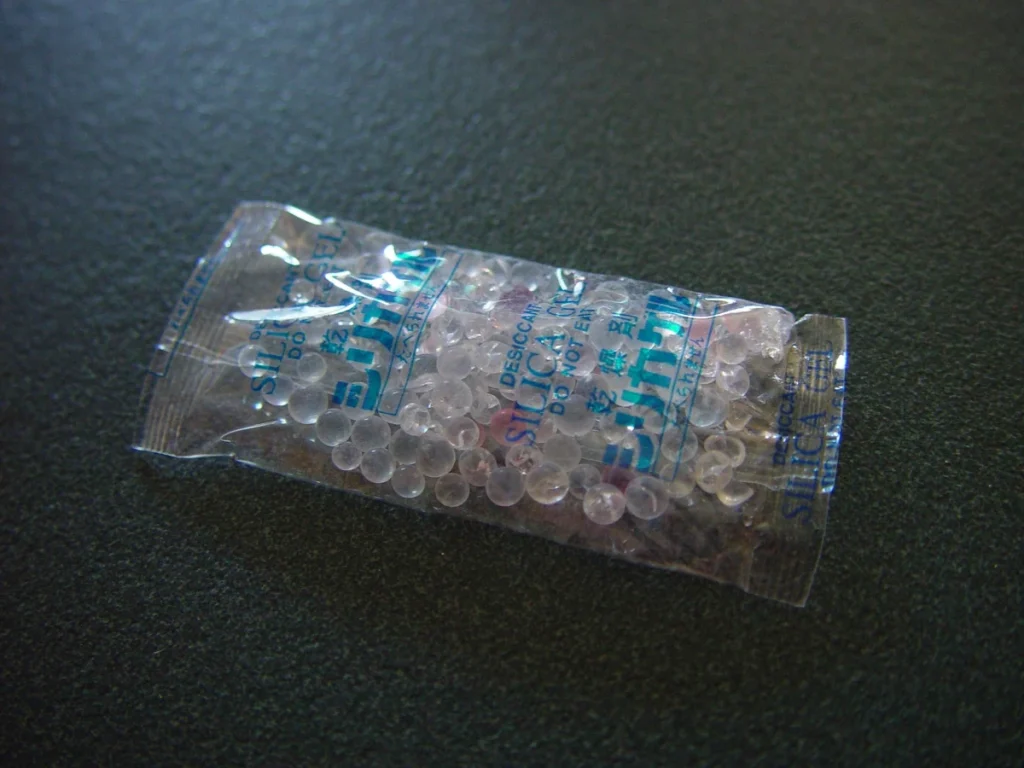
Store an opened spool sealed with desiccant, the moisture-absorbing packets. Don’t assume stringing proves it needs drying, or that drying will fix this formulation’s reported problems.
When SUNLU PLA+ Could Change Your Choice
PLA+ is the closest useful alternative if you’re willing to pay more for a part that can better withstand knocks. Standard PLA generally costs less than PLA+, but compare equal weights and the same purchase quantity. Paying more makes sense only if the different formulation helps with your part.
SUNLU’s technical sheets give PLA+ higher typical impact resistance than standard PLA. These are manufacturer laboratory results, not a guarantee for your print. The reported impact test measures resistance to a sudden blow at room temperature using a sample with a notch that helps start the break.
The test pieces were printed at 220°C with fully filled interiors. Both sheets specify a 90-degree angle for the lines printed inside the pieces, but give different printing-speed ranges for the two materials. This isn’t a perfectly matched comparison, and it doesn’t guarantee an improvement for a thin figure or hollow case.
Pulling strength is a different question. A part that survives a drop isn’t automatically better at carrying a steady load. SUNLU lists a higher average tensile strength—resistance to being pulled apart—for PLA+, but the published ranges overlap. That doesn’t justify calling it stronger in every situation or assigning your printed bracket a weight limit.
Heat is another separate limit. The two technical sheets report very similar heat-deformation results. Don’t choose PLA+ as a heat-resistant upgrade for a car interior or a part beside a heat source. Choose a material with evidence for the temperatures and loads involved.
PLA+ 2.0 is separately labeled and documented. The grey PLA+ printing result above doesn’t establish how 2.0, Meta or specialty blends print.
For an ordinary indoor display model, there’s no clear reason here to pay more for PLA+. For a frequently handled piece, it’s worth a trial, followed by checking the finished part under its intended conditions.
Is Standard SUNLU PLA Worth Buying For Your Prints?
I’d buy a single spool of standard SUNLU PLA for low-demand indoor prints when its price is attractive and there’s time to adjust the profile. It’s a reasonable candidate for learning, checking designs and making decorative objects. The favorable printing reports give it a fair chance; the troublesome white sample is a reason to test your settings early.
If this is your first filament purchase, make sure the material name, diameter and spool fit are right before worrying about small price differences. Once a small print looks good, save the settings with the material and color so you have a useful starting point next time.
I’d skip a bulk order if you need a large, clean display print immediately and haven’t tried the exact material on your printer. If another filament already gives you the finish you need, sticking with it may be worth more than switching for a cheaper roll. A cheaper spool won’t necessarily save you money if it adds failed prints or cleanup time.
For heat, heavy loads or a part that would cause damage if it broke, choose a material with test results that match the job. A good-looking print alone doesn’t show that it can handle those demands.


