Overture PETG Review
Worth considering when an equivalent roll costs less than your dependable PETG; compare the same weight and packaging.
Our verdict
I’d try one roll of Overture PETG for organizers, covers and small holders if I already had a suitable build plate and a way to dry filament. Check the spool version before choosing settings; I wouldn’t buy the upgrade expecting proven strength gains or fewer failed prints.
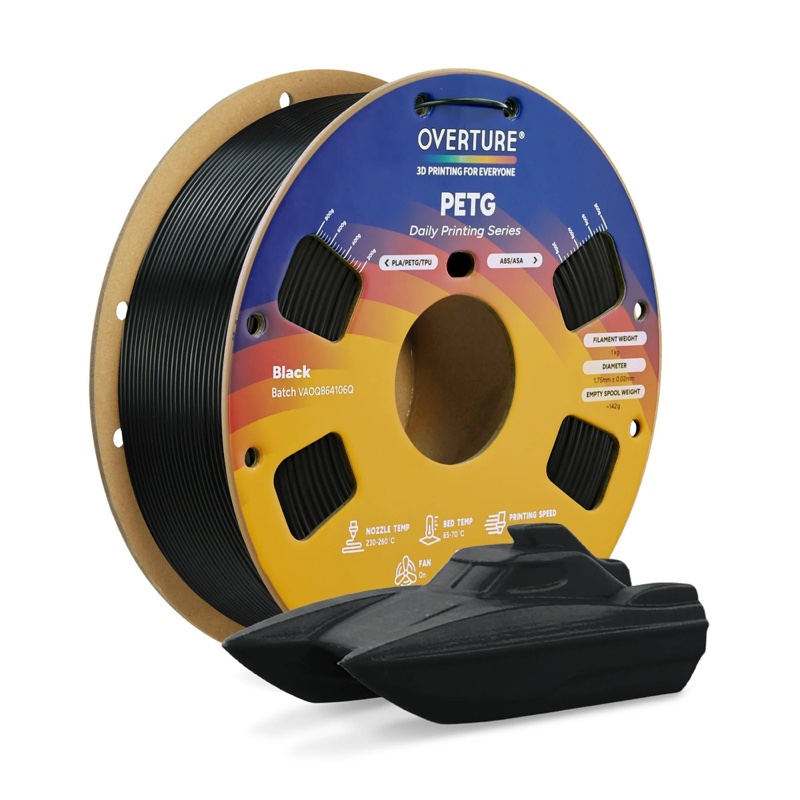
Best atEveryday functional parts when you’re willing to identify the spool version and tune its settings.
Less suited toParts needing a verified strength rating, or jobs that depend on a guaranteed matte finish.
The Key Specs
| Version matters | Old and upgraded standard PETG use different settingsIdentify the delivered spool before choosing a profile. |
|---|---|
| Upgraded temperatures | 230–260°C nozzle; 65–70°C bedCheck printer and build-plate suitability; these are manufacturer starting settings. |
| Drying | Upgraded: 60°C for 5 hours; old: 65°C for 5 hoursFollow the identified spool’s instructions and store it sealed with desiccant. |
| Finish | Gloss varies; stringing may still need cleanupSample each spool before making visible parts that must match. |
| Speed | The standard PETG wiki recommends 90 mm/sStart conservatively; actual usable speed depends on the printer’s melting capacity and print quality. |
| Spool fit | Listed standard spool: 200 mm diameter, 65.6 mm wide, 55 mm hub holeCheck your exact feeder and any adapter; dimensions alone do not prove reliable feeding. |
Which Spool Or Pack Should You Buy?
- One roll in your chosen color
- My starting choice: confirm the formula and print a sample before buying more.
- Several matching rolls
- Choose after checking the first roll; sample each spool when appearance must match.
- Refill or larger roll, if offered
- Buy only after confirming reusable-spool or feeder fit, and compare equivalent weights and packaging.
Budget For Drying And Storage. Allow for a filament dryer that meets the spool’s instructions, a sealed storage container and desiccant. Your build plate may need a specified release layer, such as glue stick on Prusa smooth PEI. Cardboard spools may need feeder adapters; refills need a compatible reusable spool.
More Handling And Compatibility Details
| Reviewed material | Standard 1.75 mm Overture PETG, including old and upgraded formulas. |
|---|---|
| Old standard settings | 230–250°C nozzle, 80–90°C bed and 30–50 mm/s. |
| Listing identity | The US store uses High Speed PETG naming; confirm the label rather than assuming every named grade or older roll is equivalent. |
| Build plate | Follow the plate maker’s PETG instructions; Prusa specifies a glue-stick release layer for its smooth PEI sheet. |
| Automatic feeders | Test loading, unloading and a print before relying on repeated automatic filament changes. |
I’d try Overture PETG for everyday parts such as organizers, covers and small holders, if you’re willing to check the spool version and adjust your printer settings. I’d start with one roll. Reported prints show appealing, solid colors, but the upgraded formula doesn’t yet have enough comparable independent testing to promise better strength or fewer failed prints.
PETG is a printing plastic commonly used for functional parts. This review covers Overture’s standard 1.75 mm filament—the strand of plastic fed into the printer—including its old and upgraded formulas. Knowing which version you’ll receive matters: it affects temperatures, drying instructions and how much an older success story can tell you about your next spool.
Which Overture PETG Version Are You Buying?
Overture’s January 2026 upgrade announcement says old and new packaging may ship at random. That notice is still on the site; it doesn’t tell you what a particular seller has today. Ask for the label details if the listing leaves the version unclear.
The nozzle is the heated tip that deposits plastic; the heated bed supports the build plate, the surface you print on. Here’s how Overture’s instructions differ:
- Old standard PETG: 230–250°C nozzle, 80–90°C bed and 30–50 mm/s printing. The transition announcement specifies drying at 65°C for five hours.
- Upgraded standard PETG: 230–260°C nozzle, 65–70°C bed and drying at 60°C for five hours, according to Overture’s standard PETG wiki.
Don’t mix the two sets of instructions: the upgraded formula’s bed temperature is below the old spool’s recommended range.
Overture’s US store currently calls its main PETG listing High Speed PETG, while the wiki retains the standard PETG name. Similar settings don’t establish that every separately named product or older spool is equivalent.
Follow the actual product label, and ask Overture to resolve conflicting instructions before choosing a profile. A profile is the saved group of settings your printing software uses for a material.
What Can You Expect From Overture PETG Prints?
You can get appealing colors, but the finish varies. One owner printing the new formula on a Bambu Lab A1 mini reported solid-colored grass green, light gray and white parts that looked less glossy than their old black PETG. They later specified a 255°C nozzle temperature. Other owners described the upgrade as glossier, so don’t buy it expecting a guaranteed matte finish.
Those reports involve different colors and incomplete print settings. They support trying a color you like, but they don’t show what changed because of the formula alone. If you’re making several visible parts that must match, print a sample from each spool before committing to the set.
Stringing—the thin hairs left between separate parts of a print—can still require cleanup. Overture promotes reduced stringing with the upgrade, but there isn’t a well-documented comparison establishing how much less you should expect.
A neat-looking housing also doesn’t prove that its layers are strongly bonded. Those bonds hold the stacked lines of plastic together, and weak ones can let a part split. Overture claims improved bonding for the upgrade, but that isn’t a load rating for your bracket. Likewise, a part breaking while someone forces it off the bed doesn’t measure its strength under controlled conditions.
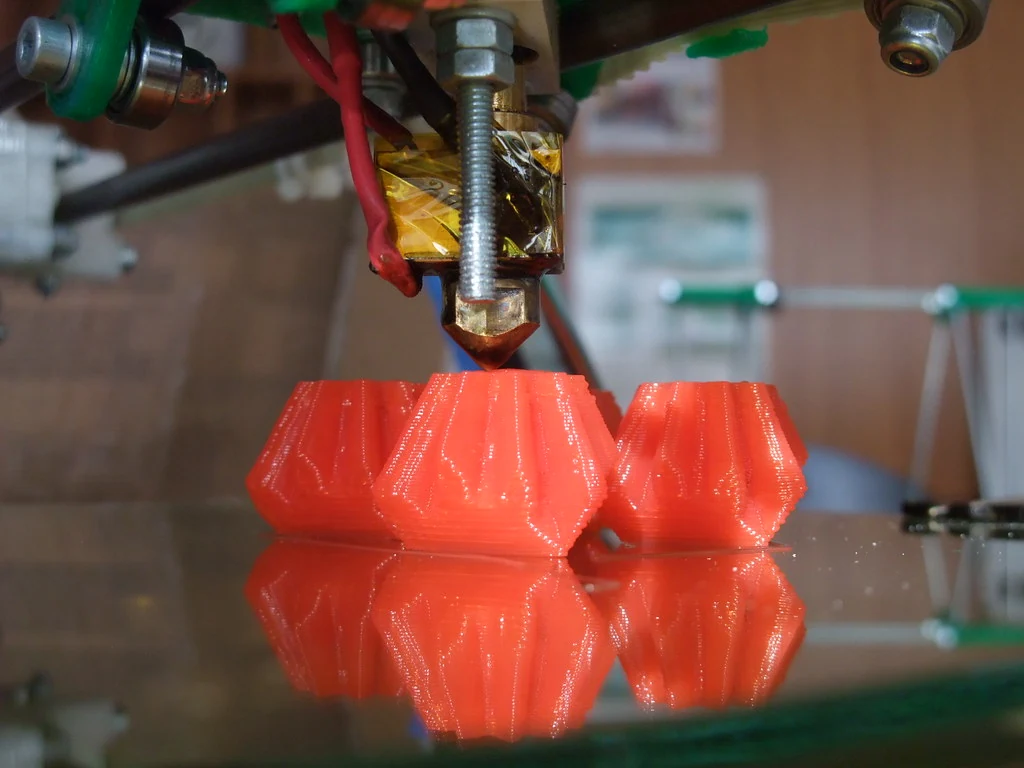
Don’t choose it on advertised speed alone. Overture advertises up to 300 mm/s for the upgrade under suitable conditions, while its standard PETG wiki recommends 90 mm/s. Neither number tells you how fast your printer can produce a good part.
One limit is volumetric flow: how much plastic the nozzle can melt and push out each second. Wider lines and thicker layers require more plastic at the same movement speed. Exceeding that capacity can leave too little plastic deposited and weaken layer bonds. Start with a conservative PETG profile and increase speed only after checking the finish and whether the layers hold together.
Getting Overture PETG To Print Reliably
Check that your printer supports the label’s temperatures and that its build plate is suitable for PETG. Then use a profile for your printer, nozzle and identified material version. A profile copied from another machine can include unsuitable cooling or retraction settings; retraction briefly pulls filament back to reduce drips when the nozzle moves between printed areas.
Filament can absorb moisture from the air, which can cause bubbles, blobs and weaker layer bonds during printing. Drying removes that moisture. Follow your spool’s drying instructions and use a filament dryer that can maintain the required temperature. Check that the spool fits inside and can withstand that temperature too.
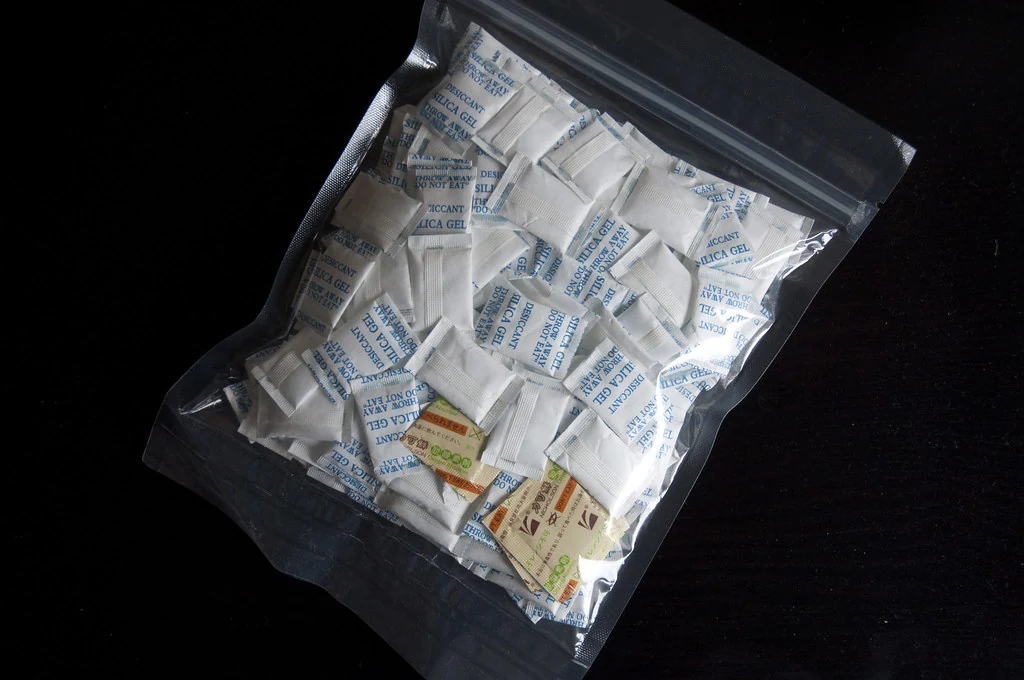
Store the dried filament in a sealed container with desiccant, which absorbs moisture. Drying isn’t a universal cure: owners report successes after drying and tuning, as well as continuing failures after drying.
Next, prepare the build plate according to its maker’s PETG instructions. For example, Prusa recommends its textured or satin sheets and warns that PETG can damage smooth PEI, a common plastic surface coating. If using its smooth sheet, Prusa specifies a glue-stick layer to help the print release. Don’t assume every surface called PEI needs identical treatment.
Use a small first-layer test before a long print. The printed lines should join without leaving gaps or forming ridges that the nozzle drags through. Correct the nozzle-to-bed distance using your printer’s procedure; don’t copy a fixed height adjustment from someone else’s machine.
After that, troubleshoot the symptom you actually have:
- Hairs or blobs: Check drying, then tune nozzle temperature and retraction within the material and printer limits. Blobs can also mean too much plastic is being deposited; don’t keep increasing retraction to fix everything.
- The print won’t stick: Check surface cleanliness, first-layer height, speed and the correct version’s bed temperature.
- The print sticks too hard: Let the plate cool and follow its removal instructions. Use the specified release layer next time instead of forcing the part off.
- Layers split apart: Check nozzle temperature, excessive cooling and printing speed. Plastic needs enough heat to bond with the previous layer; a nozzle that’s too cold or a print-cooling fan set too high can weaken that bond. Stay within the label’s temperature range when adjusting it.
Change one setting at a time. Once temperature is working, follow your printing software’s flow-calibration instructions to adjust the amount of plastic deposited, avoiding gaps or excess material. Adjust cooling for the part, then repeat a small useful print before trusting the settings on a longer job.
Will The Overture Spool Work With Your Feeder?
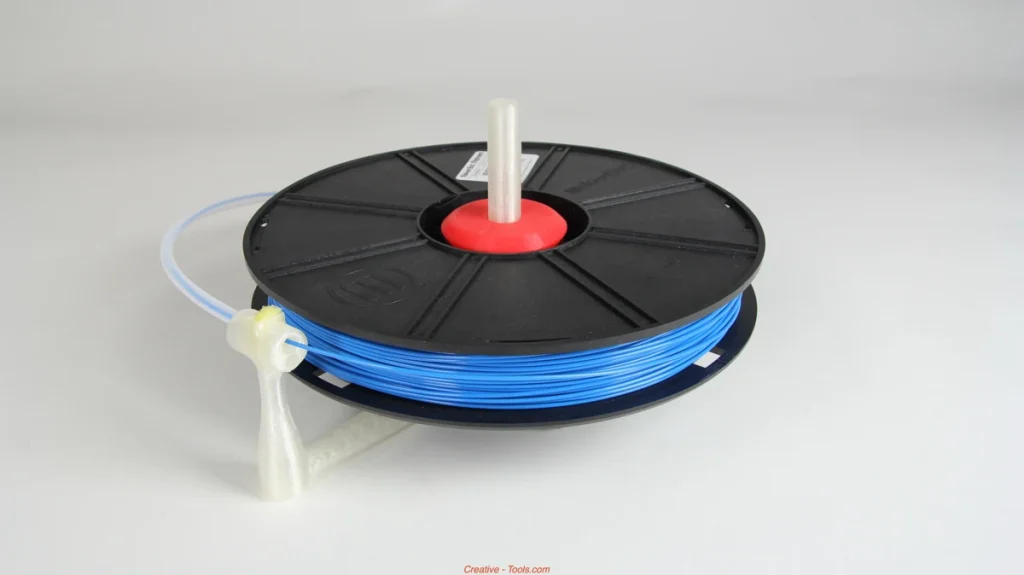
If you use an automatic feeder to load and change filament, the spool must fit its holders. Overture’s standard PETG wiki lists a 200 mm outside diameter, 65.6 mm width and 55 mm center hole. These dimensions shouldn’t be assumed for every older spool, larger roll or refill.
For the Bambu AMS lite, the official supported range is 40–68 mm wide with a 53–58 mm center hole. The listed Overture dimensions fall inside those ranges. That suggests the spool should fit; it doesn’t prove trouble-free feeding throughout a roll.
The AMS 2 Pro instead specifies a 197–202 mm outside diameter and 50–68 mm width. Bambu recommends adapters for cardboard spools to reduce slipping and debris. Check the dimensions again with the adapter fitted, including room for the lid to close.
Before buying several rolls, confirm your exact feeder model and inspect the delivered spool for damaged edges. Test loading, unloading and an actual print. A spool fitting into the machine is only the first check, especially when you’ll depend on repeated automatic filament changes.
Is Overture PETG Worth Buying For Your Prints?
Overture makes most sense when you already have a suitable build plate and a way to dry filament. An organizer or removable cover gives you a useful first project without asking the material to meet an unverified strength limit.
If you already get dependable results from another PETG, Overture needs to offer something you want: a particular color, easier local availability or a lower cost for an equivalent roll. Compare the same weight and packaging. A refill still needs a compatible reusable spool, and a large roll may not fit your feeder. There isn’t enough comparable evidence to say Overture will save money through fewer failures.
For a Bambu printer owner who mainly wants simpler material setup, Bambu PETG HF with a spool is a useful alternative to consider. Bambu lists AMS and AMS lite compatibility; these feeders read the spool’s electronic RFID tag to identify the material and load its settings. That reduces manual setup work; it doesn’t establish better strength than upgraded Overture. It also still requires drying.
PETG generally handles heat and impacts better than standard PLA, another common printing plastic; that’s a reason to consider it for functional parts, not a verified rating for this Overture formula. If you’re making indoor decorations or detailed models that won’t face much heat or strain, PLA is usually easier. PETG can leave more strings and struggle with sections that stick out without support underneath.
Mixed reports don’t mean every Overture spool will give you trouble. Keep the label, save the settings that work and check the next spool before assuming it will behave the same way.


