SUNLU PLA Meta Review
Compare with standard PLA; pay more only for a color or result you prefer.
Our verdict
I’d try one spool of PLA Meta for indoor decorations, display models and its pastel colors. Its lower-temperature printing guidance makes it interesting, but I’d expect to tune stringing and small details. I’d keep a familiar PLA if it already delivers the finish I want.
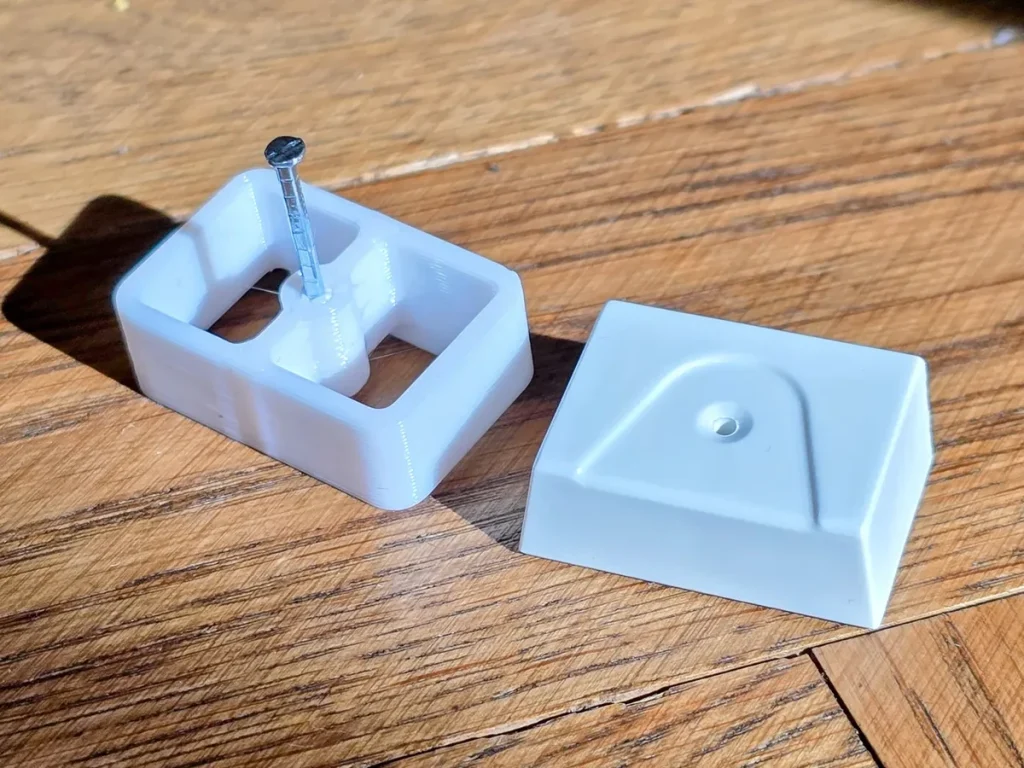
Best atIndoor decorations, display models and everyday prototypes where color and broad surfaces matter most.
Less suited toHot or permanent outdoor parts, and intricate models where tiny features must print cleanly without extra tuning.
The Key Specs
| Material | Modified PLA, not metal-filledChoose it for indoor plastic models, not metallic weight or appearance. |
|---|---|
| Reviewed spool format | 1.75 mm filament · 1 kgCheck filament diameter and exact spool dimensions against your printer and automatic feeder. |
| Nozzle settings | 185–195°C at 50–100 mm/s; 195–225°C at 100–200 mm/sMatch temperature to speed and keep your printer’s flow limits; these are SUNLU’s settings, not guaranteed finished-part speeds. |
| Heated bed | 50–60°CFollow your printer’s surface-cleaning and adhesive guidance. |
| Heat limitation | SUNLU lists 57 ±3°C heat deflectionThis laboratory result is not an operating-temperature guarantee; I’d avoid hot-car and heat-source applications. |
Which Color Or Spool Pack Should You Buy?
- One 1 kg spool
- Start here to check your chosen color, surface finish and representative details before buying more.
- Multiple spools or a color pack
- Choose only after a successful trial, and compare quantities you can actually use.
Allow For Drying And Setup Supplies. Allow some filament for small setup prints, plus access to a filament dryer if moisture causes stringing. Bed adhesive may be an additional supply if your printer’s surface instructions call for it.
More Material And Handling Details
| Diameter tolerance | SUNLU claims ±0.02 mm; this describes filament thickness, not printed-part accuracy. |
|---|---|
| Drying | SUNLU specifies 50°C without a duration in the cited technical sheet; follow your filament-dryer instructions. |
| Retraction | SUNLU suggests 0.8–1.2 mm at 30–40 mm/s; start with the printer’s recommended settings because feeding mechanisms differ. |
| Cooling | Use normal PLA part cooling after the first layers; small layers may need more cooling time. |
| Outdoor use | SUNLU warns that ultraviolet exposure can cause yellowing. |
| Feeding | Check that the spool turns freely and that filament has an unobstructed path to the feeder. |
I’d try SUNLU PLA Meta for indoor decorations, display models and everyday prototypes, especially if you like its pastel colors. SUNLU designed it to flow more easily at relatively low nozzle temperatures. The drawback is that easy flow doesn’t guarantee crisp details or a trouble-free setup. Reported results include successful decorative prints, but also stringing—unwanted strands between printed areas—and small features that need more tuning.
I’d buy one spool before committing to a bundle. If your regular PLA already prints cleanly, Meta doesn’t offer a proven, across-the-board reason to switch. And its low printing temperature shouldn’t be confused with an ability to withstand heat once printed.
What You’re Getting With PLA Meta
PLA Meta is SUNLU’s modified PLA filament for printers that build objects from melted plastic. SUNLU emphasizes flow and lower-temperature printing, with colors ranging from black and white to Mint Green, Sakura Pink and Taro Purple. It remains listed in the company’s range and US store.
“Meta” doesn’t mean metallic or metal-filled. Don’t buy it expecting a bronze statue finish or the weight of a metal composite. SUNLU lists PLA Metal separately for a metallic appearance; that name also shouldn’t be taken as proof of metal content.
The US Meta listing specifies 1.75 mm filament on 1 kg spools, with a claimed diameter tolerance of ±0.02 mm. That tolerance describes the filament’s thickness, not how accurately your printer will reproduce a model.
For ordinary printing, you need a printer that accepts that diameter and supports the temperatures below. SUNLU doesn’t specify an enclosure or a special wear-resistant nozzle for Meta. If you use an automatic feeder, compare the exact spool’s dimensions with the feeder manufacturer’s requirements before buying.
How Meta Handles Smooth Surfaces And Small Details
Meta makes the most sense for something you want to display indoors: an ornament, a decorative container or a model with broad curves. For those prints, you can choose a filament for its color and overall appearance without needing every tiny groove to come out perfectly.
In reported Ender 3 V2 Neo testing with green Meta, holiday trees had smooth, glossy finishes. A temperature test print spanned gaps without support, but recessed lettering lacked definition. A more intricate test print also produced stringing. Nozzle size and layer height weren’t disclosed in the report.
Those findings make Meta worth trying for decor, but don’t promise exceptional fine detail. For lettering, print a small section of your actual sign. Check whether you can read the smallest letters from the distance you’ll use it. A smooth background doesn’t compensate for letters whose edges run together.
Finish isn’t consistent across accounts. Some owners describe later purchases as more matte than earlier rolls; others remain happy with their results. These reports don’t establish a confirmed formulation change or tell you exactly how your chosen color will look. Buy a sample spool before planning several matching display pieces around a particular sheen.
Miniature results are mixed too. There are successful owner reports, including gray Meta at 0.08 mm layers, alongside reports of difficult overhangs and stringing. An overhang is an edge that extends beyond the plastic underneath it. Cooling and the model’s shape matter here, so a recommendation from someone printing a different miniature may not transfer neatly.
If faces, fingers or tiny weapons are your priority, compare one representative model with your usual PLA. Keep the nozzle, layer height and model the same, while using suitable settings for each filament. Judge the details you care about before ordering enough material for an entire army.
Getting PLA Meta Printing Well On Your Printer
SUNLU’s current guidance connects nozzle temperature to printing speed:
- 185–195°C at 50–100 mm/s.
- 195–225°C at 100–200 mm/s.
- 50–60°C for the heated bed.
For a first print, I’d start at 195°C, around 50 mm/s and a 55°C bed, within those ranges. Use your printer’s PLA preset as the base in your slicer—the software that turns a model into printing instructions. Retain the preset’s printer limits and first-layer speed while adjusting temperature and other printing speeds.
For the bed surface, follow your printer’s cleaning and adhesive guidance: SUNLU’s store is inconsistent about whether glue is needed.
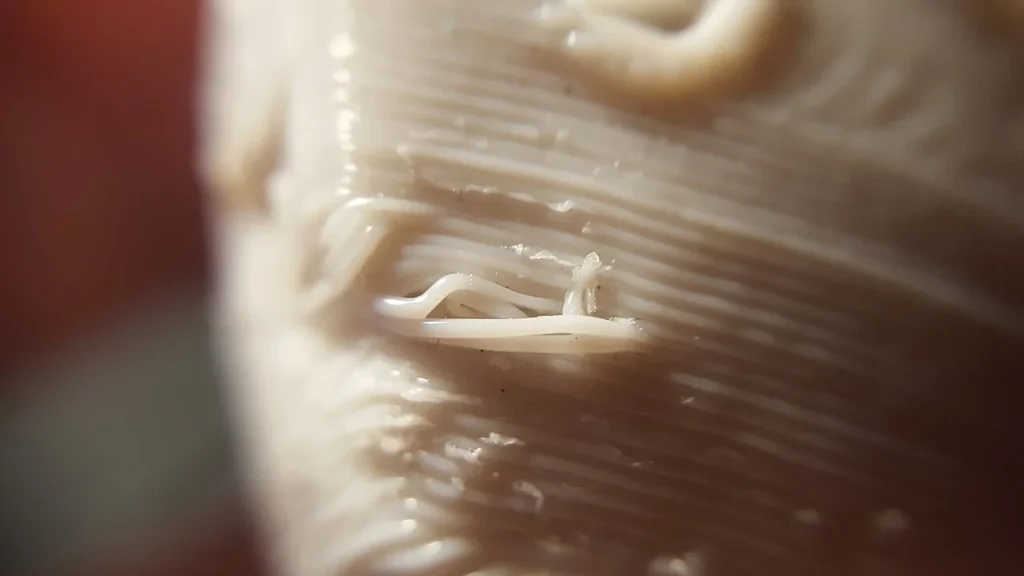
Retraction briefly pulls filament back during movements between printed areas to reduce leaking from the nozzle. SUNLU suggests 0.8–1.2 mm at 30–40 mm/s, but start with your printer’s recommended retraction settings. The distance needed depends on the feeding mechanism, so another printer’s setting may not suit yours.
In the reported Ender test, a clean retraction test using a 1 mm distance at 210°C still failed to predict stringing on actual models; longer retraction helped. Check a real part before treating a test setting as settled.
For hairlike strings, consider moisture before making large retraction changes: drying can help. SUNLU specifies 50°C for drying, but gives no duration in its current technical sheet; follow the applicable filament-dryer instructions.
If strings persist, try reducing nozzle temperature by 5°C within SUNLU’s range for your speed, then check whether the layers still hold together. Don’t keep lowering temperature just to eliminate strings: the reported Ender test found weak bonding between layers at 180°C.
Idle nozzle drips have also been reported. Avoid leaving Meta at printing temperature during long waits, using the printer’s supported standby controls.
Keep normal PLA part cooling enabled after the first layers. If tiny tips soften or unsupported edges sag, check the fan: the plastic needs to solidify before it loses its shape or receives another layer. The slicer’s minimum-layer-time setting can slow printing to give small layers longer to cool.
Adjust flow only when the print calls for it. This setting controls how much plastic comes out: excess buildup on top surfaces can call for a small reduction; gaps can indicate too little material. Change one setting at a time.
Millimeters per second describes movement; volumetric flow describes how much plastic the nozzle must melt each second. Wider lines and thicker layers demand more plastic at the same movement speed.
If your slicer has a maximum volumetric speed setting, it limits that demand by slowing printing. Start with the limit in your printer’s PLA preset; raise it gradually only while parts remain sound. Clicking from the feeder, missing material or weak layers are reasons to slow down.
What Meta’s Strength Claims Mean For Your Parts
“Stronger” can mean several different things. Impact resistance describes how a part handles a sudden knock. Stiffness describes how much it bends under force. Layer bonding describes how well the stacked layers hold together. A filament can improve one without improving all three.
SUNLU publishes laboratory values for Meta, including tensile strength—resistance to breaking when pulled—of 50 ±5 MPa. Its test pieces were printed at 220°C with 100% infill, meaning solid interiors, and a 90-degree infill direction. You can’t assume a partly hollow model printed at a lower temperature will match those results.
The available evidence doesn’t justify calling Meta twice as tough as every ordinary PLA, or stronger than every PLA+. Nor does it establish a stiffness or layer-bonding winner for your printer. For a display model or a prototype you’re checking for shape and fit, those rankings may not matter. For a clip you bend repeatedly or a bracket carrying weight, they do.
Think about how the finished part will fail. A dropped figurine, a flexible latch and a shelf support ask different things of the plastic. Choose a material with evidence for the relevant use, and check the finished design under its intended conditions before relying on it.
Heat is a separate limitation. SUNLU lists a heat-deflection temperature of 57 ±3°C under a specified test load. That’s a laboratory deformation measurement, not a guaranteed maximum operating temperature. I wouldn’t choose Meta for a hot car interior or a part beside a heat source.
Outdoor exposure adds another concern: SUNLU warns that ultraviolet light can cause yellowing. For a permanent outdoor part, investigate a material with documented weather resistance rather than assuming Meta’s modified formula solves ordinary PLA’s limitations.
Does Meta Offer Enough Over Your Usual PLA?
If your current PLA gives you clean signs, organizers and display pieces, keeping it is the simplest choice. You already know the settings that work and what the color looks like.
Meta makes more sense when you have a specific reason to try it: a color you want, an interest in lower-temperature printing, or a decorative model you’d like to compare with your existing results. Start with that goal. If the new print doesn’t improve the thing you wanted to change, there’s no need to keep adjusting settings indefinitely.
If you’re new to printing, ordinary PLA with a preset for your printer is the closest useful alternative. Basic PLA already suits detailed indoor models and has little tendency to curl or lift from the bed. Meta is another option, but don’t pay extra solely for a promise that it’ll remove the need to learn your printer.
Enhanced PLA and fast-printing PLA are also worth distinguishing. SUNLU still sells PLA+ 2.0 alongside Meta, so it isn’t simply Meta’s replacement.
If toughness is your priority, look for relevant mechanical tests of the exact variant. If speed is your priority, look for acceptable finished parts at a disclosed nozzle size, layer height and flow rate. Neither “Plus” nor “high speed” alone tells you which spool will work better.
Compare the same quantities when buying: a single spool against a single spool, or bundles you can actually use. Don’t assume Meta will cost less than standard PLA or premium alternatives. If Meta costs more in your cart, its color or better results on your prints should justify the difference.
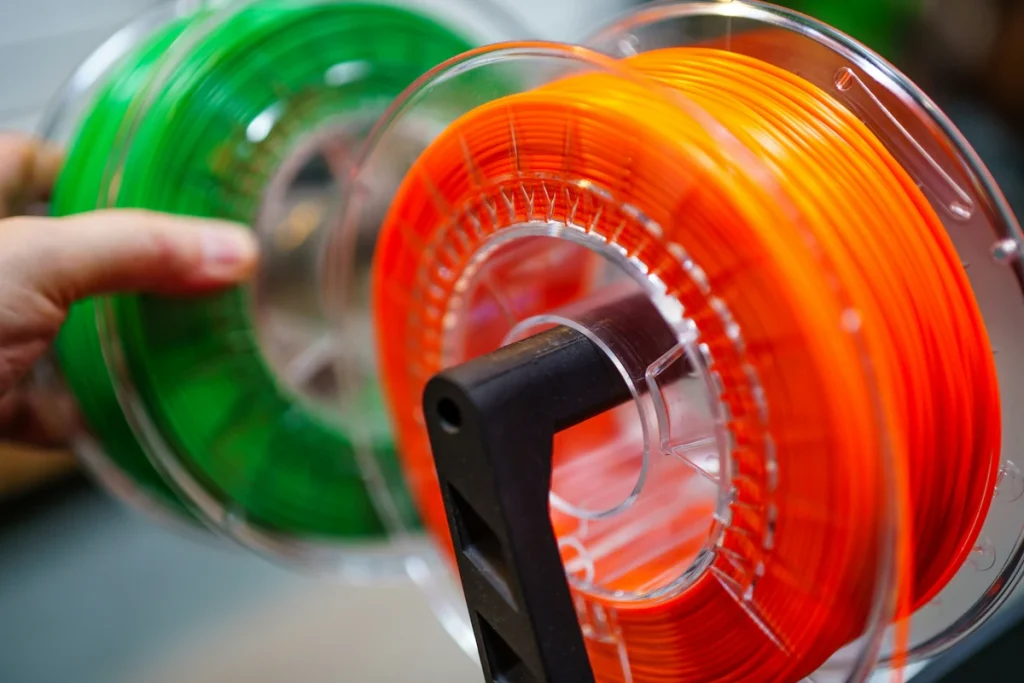
I also wouldn’t pay a premium for winding claims alone. A neat-looking spool doesn’t prove more dependable feeding, and scattered complaints don’t establish a recurring Meta-specific fault. Before a long print, check that the spool turns freely and the filament has an unobstructed path to the feeder.
Should You Buy A Spool Of PLA Meta?
Try Meta if you mainly print indoor decorations, like its colors and are comfortable making a few settings adjustments. Its reported successes make a one-spool trial reasonable. Expect to judge surface appearance, small details and layer bonding separately.
Keep your current PLA if it already does those jobs well. Skip Meta for applications that need demonstrated heat or weather resistance, and don’t choose it solely on an advertised toughness multiple or speed figure.
Print a small version or representative section of something you actually want to make. Check the finish, readable details and whether the layers hold together. Buy more if you’re happy with that result.


